Introduction to QAD CRM Sales Management
This chapter provides an overview of the basic concepts of the QAD CRM Sales Management.
Overview
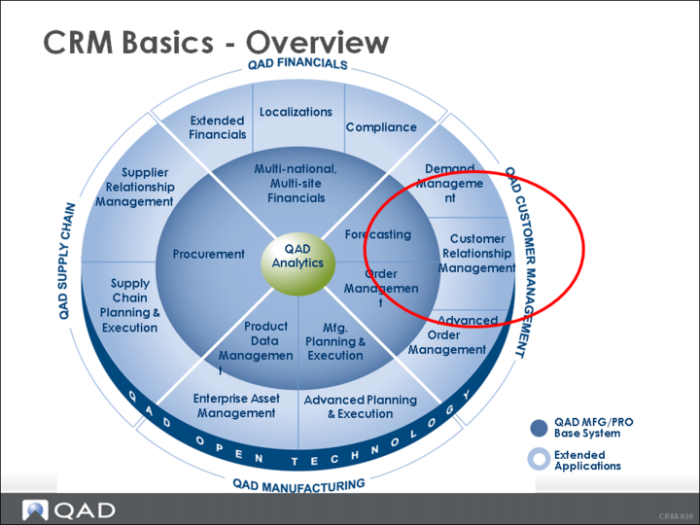
In this chapter, you gain an understanding of the QAD Customer Relationship Management (CRM) functionality which is a part of QAD Customer Management Strategy.
QAD Customer Management Solutions run and measure marketing campaigns, manage sales opportunities through the sales lifecycle, and optimize the order and fulfillment process while ensuring customer retention by enabling you to anticipate your customer’s needs quickly.
Learning Objectives
By the end of this chapter, you are able to do the following:
• Describe the QAD CRM Application Modules
• List the benefits of using QAD CRM
• Describe the main records used in QAD CRM – Profiles, Contacts, and Opportunities
• Contrast how you accomplish your daily customer relationship activities today and how you can accomplish these same activities using QAD CRM
• Describe CRM security
What is CRM?
CRM is a strategy or approach that allows you to respond to the market place and your customers quickly and effectively through tracking and managing your sales, marketing, and services functions easily and effectively.
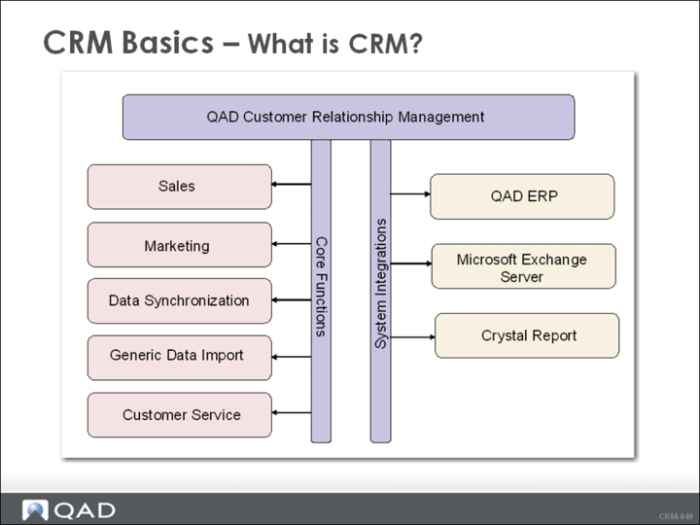
QAD CRM contains the following modules that share data:
• Sales Management: Manage details of existing, new, and prospective customers and opportunities.
• Marketing Management: Build, manage, and analyze marketing campaigns and costs.
• Customer Service: Log and assign customer issues for follow-up throughout the customer lifecycle.
QAD CRM shared functionality includes:
• QAD/ERP Integration
• Activity and task management (calendars, emails, scheduling)
• Customer communication through letters and collateral
• Analytics – Reports and Dashboards
CRM Benefits
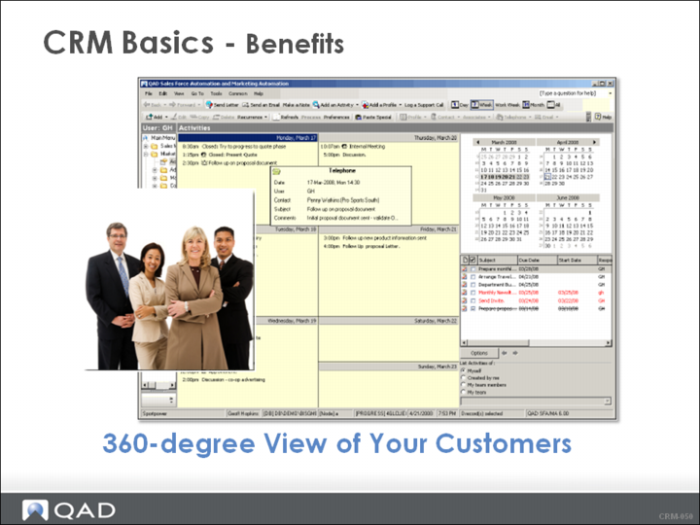
A sound CRM strategy enables your business to be efficient, productive, and responsive to the demands of your Customers and improve your internal communications. QAD CRM provides a 360-degree view of your customer, integrating prospect, customer, and partner information at every touch point.
The Value of QAD CRM:
• Improve internal team and department communications
• Lower costs while attracting and retaining customers
• Generate greater customer loyalty
• Increase cross-sell and up-sell successes
• Improve sales forecasting
• Improve customer responsiveness with access to relevant and timely data
CRM Records
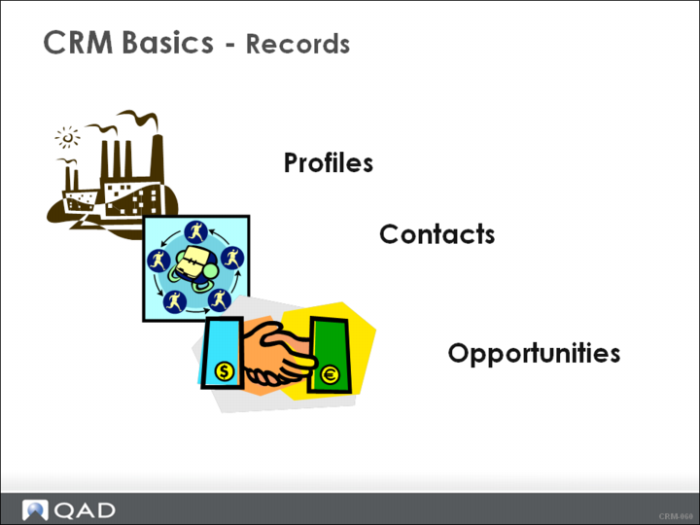
QAD CRM has a number of records that you can manage. Before you see a demonstration of QAD CRM, let us discuss the three main records: Profiles, Contacts, and Opportunities.
Profile
• A business that has an association with your organization.
• A profile can be a customer, prospect, competitor, or supplier.
• Profiles form the core of QAD CRM - QAD CRM is “profile centric”.
Contact
• Contacts are people who work for a profile.
• You communicate with contacts while conducting business-related activities.
• There can be more than one contact specified for a profile and a contact can be associated with multiple profiles.
Opportunity
• An opportunity is a business “deal” with stages.
• Opportunities are identified and managed to convert them into actual business sales.
CRM Security
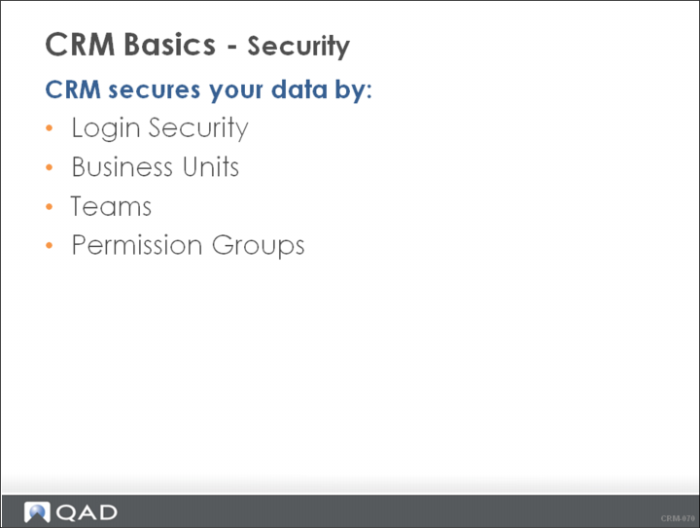
Security in QAD CRM involves the following system features or components:
• Login Security - It is password protected: You are allowed three login attempts. If you have not entered a valid user ID after three attempts, the Logon screen closes.
• Business Units: Each user is assigned a business unit which can be a branch office, subsidiary, or business partner. A user can be assigned to one or more business units and is allowed to access data for the assigned business unit.
• Teams - A team is a group within a business unit. Users can be assigned to one or more teams and are able to access the data of their assigned teams. For example, if you are assigned to the Northeast Sales Team you are able to view all the sales orders that are entered for your team.
• Permission Groups - Maintained by the System Administrator and control access to system objects such as menus, programs, and screens.
The QAD CRM Administrator is responsible for creating and maintaining user profiles in the system. This information is discussed here so you have a high-level understanding that your data and transactions are secure.
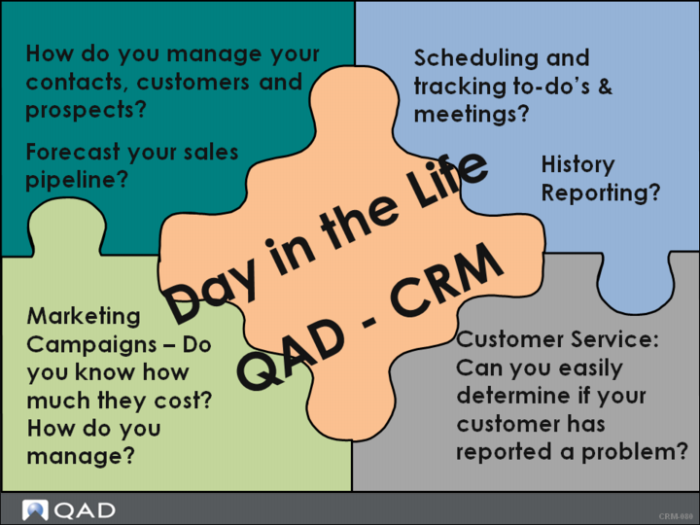
Day in the Life QAD CRM
As we view either a pre-recorded demonstration of QAD CRM or your instructor demonstrates QAD CRM, think about the following questions:
• What do the QAD CRM benefits discussed earlier really mean?
• Can you easily respond to the questions in the slide?
• How can QAD CRM change your day-to-day life and improve your organization’s relationships with your customers?
• Think about your role: Sales, Customer Service, or Marketing how could QAD CRM make you more productive and help you help your customers.
• If you are a Manager, how can QAD CRM help you manage and motivate your team?
Master Questions
1 List the three applications that make up QAD CRM:
_______________________________________________________________
_______________________________________________________________
_______________________________________________________________
_______________________________________________________________
2 A profile can be a customer, prospect, competitor, or supplier. (True or False?)
3 A contact is an individual that works for a profile. (True or False?)
4 List two benefits of CRM QAD:
______________________________________________________________
______________________________________________________________
5 An opportunity is a closed business deal or order. (True or False?)
6 QAD CRM allows _____ login attempts. After _____ incorrect attempts QAD CRM shuts down.
7 QAD CRM has the following security: login, business unit, _________________, and permission group. (Fill in the blank.)
Wrap-Up
• CRM is an approach to understand customer requirements and behavior.
• CRM includes studying sales and marketing effectiveness and market trends.
• CRM requires a customer-centric business philosophy to support effective marketing, sales, and service processes.
• QAD CRM is the tool that allows you to implement your customer-centric strategy using the following modules:
• Sales Force Automation
• Marketing Automation
• Customer Service
• CRM/ERP Integration
• QAD CRM modules share customer data which can be integrated with QAD ERP
• There are many records in QAD CRM but the three main records are:
• Profile: a business that has an association with your organization
• Contacts: people who work for a profile
• Opportunity: a business lead/deal.
• Your information is secure in QAD CRM but can also be shared by business unit and teams.