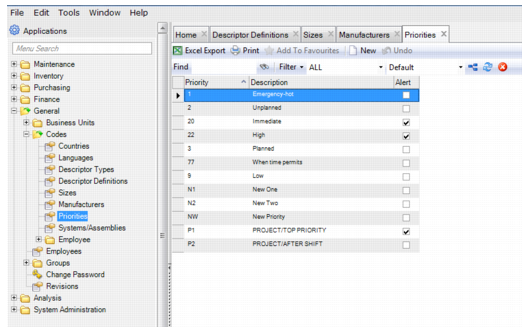
Priority Codes
Follow these steps to add a priority code:
1 Open the Priorities browse located in General|Codes and click New.
2 Enter the information in the following fields:
• Priority. Enter the Priority code
• Description. Enter a short description.
• Alert. Select the Alert check box if you want the associated user group to receive a page or text message when this code is entered on a service request or a work order. An alert conveys limited information, such as the department code and requestor for a service request or the equipment number and problem description for a work order.
3 Press Enter to save.
Priority Codes