QAD Enterprise Asset Management 2017.1
>
User Guide
>
General Module
>
Codes
>
Systems/Assemblies Codes
Systems/Assemblies Codes
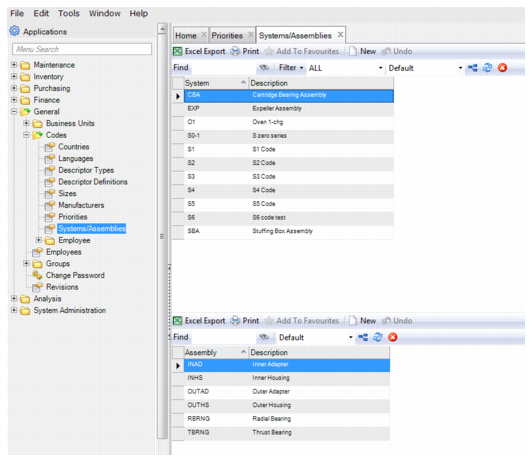
Follow these steps to add a System/Assembly code:
1 Open the System/Assemblies browse located in General|Codes. In the upper browse, click New.
2 In the System field, enter the System code and, in the Description field, enter a short description.
3 Press Enter to save.
4 In the lower browse, enter the assemblies that make up the system by clicking New.
5 Enter the Assembly code in the Assembly field and then a short description in the Description field.
6 Press Enter to save.
System/Assembly Codes