QAD Enterprise Asset Management 2017.1
>
User Guide
>
General Module
>
Employees
>
Define a Buyer’s Sites and Approval Groups
Define a Buyer’s Sites and Approval Groups
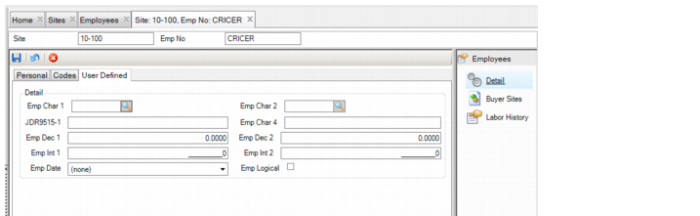
In the Buyer Sites submenu, you can define the employee as a buyer at one or more sites with related approval groups.
Buyer Sites Submenu
Follow these steps to define a buyer’s sites and approval groups:
1 Open the employee’s record and select the Buyer Sites submenu.
2 Click New and then enter the following information:
• Emp No. The system auto-fills this field with the employee’s number.
• Site. Use the lookup to select the site in which the buyer works.
• PO Approval Group. Use the lookup to select the PO approval group that is used for this buyer.
• BO Approval Group. Use the lookup to select the BO approval group that is used for this buyer.
• Zero Cost Email. Select this check box to notify this buyer by e-mail each time a new requisition is created with cost of 0. The notification prompts the buyer to make changes to the requisition before approval.
3 Press Enter to save.