Copy PM Templates Across Sites
EAM allows you to copy a PM template across multiple sites.
Follow these steps to copy a PM template to other sites:
1 Open the PM templates browse.
2 Highlight the PM template you want to copy and select Copy PM Template Across Sites from the Action menu.
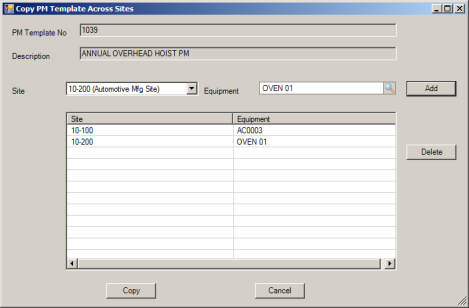
Copy PM Template Across Sites
3 Select the site for the copied template from the drop-down menu.
4 Select the equipment to copy from the drop-down menu.
5 Click Add. You can only add one copied template per site.
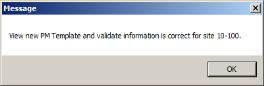
6 Click Copy. EAM reminds you to view and validate the information in the new templates for each site.
Copy Successful
7 Click the Refresh button to see the new PM in the PM Templates browse.