Downtime for Work Orders
Downtime is considered to be the entire time a piece of equipment is not operational. EAM provides a method of tracking downtime directly to a specific work order and its associated equipment. Downtime may or may not be associated with a maintenance work order. Each downtime record added here is also associated with its equipment record and, potentially, system, assembly, reason down, and failure codes.
Adding Downtime Records to a Work Order
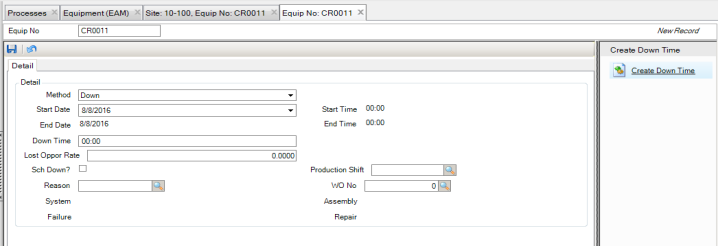
To add a downtime record to a work order, open the work order and select the Down Time submenu. Click New and enter the necessary information in the Detail tab. See
Entering Equipment Downtime.
Adding a Downtime Record on a Work Order