Update Count of Physical Inventory List
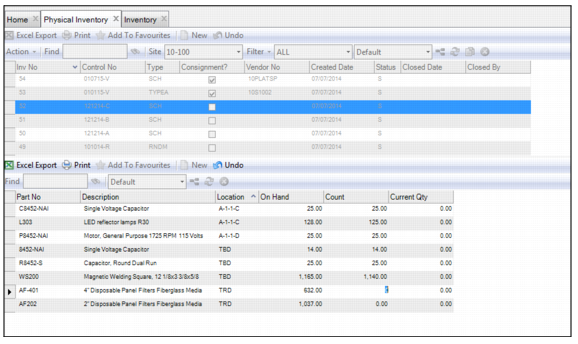
To update the count, highlight the physical inventory record and select the part record. Enter the count in the Count field. Once the count has been updated for each part on the list, close the physical inventory list. When the physical inventory list is closed, the system adjusts the counted quantities based on what was entered.
Update Count of Physical Inventory List