Using the RF for Exercises
Many of the exercises in this training guide use the RF to select or confirm tasks and perform other steps. QAD provides the same software that displays on the RF device through a Unix character session. Commands are provided to run the software just as if you were on the RF device.
Logging Onto Putty
You can start a Unix character session that lets you run the RF version of QAD Warehousing software through the Putty tool.
There are two ways to start Putty:
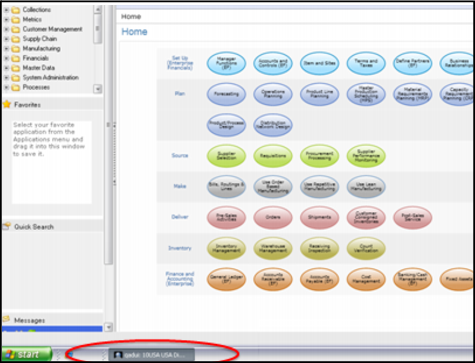
• You can start Putty within the .NET UI EE software, by navigating to the bottom of the screen and clicking the QAD tab; see
QAD Training Session Regional Tab. The tab reflects your regional environment that you selected when you set up the training session.
• If you are a QAD employee, you can start Putty from Citrx.qad.com in the Homer environment. To do this, use the following procedure:
a From the desktop, select the Tools folder.
b Within the Tools folder, select Putty.
c The Putty Configuration window displays.
d Enter qaddemo in the Putty Host Name (or IP Address) field.
e Click Open.
f The system starts a Unix character session.
QAD Training Session Regional Tab