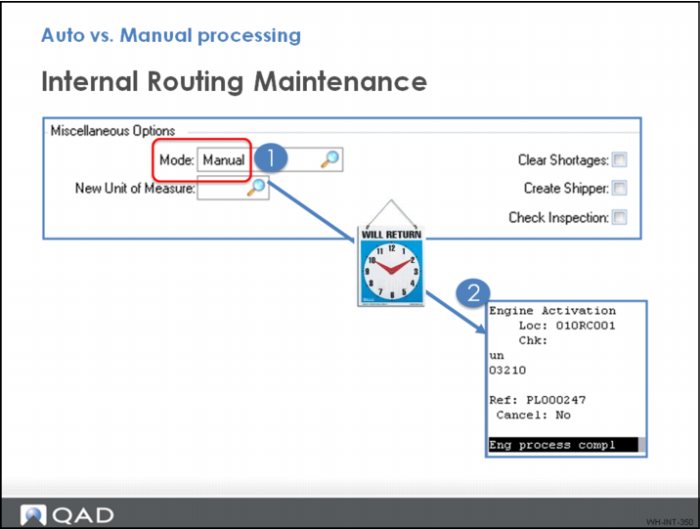
Auto Versus Manual Processing
Did You Know
There are three types of engine processing that can be applied to internal routings:
• Auto
• Manual
• Timed
Auto mode specifies that the transaction is processed immediately. Auto engine processing means tasks are triggered automatically without user intervention. In Manual mode, the user must intervene by starting one of the engine processor programs in the Engine menu.
Manual mode specifies that the transaction is processed only when it is selected for processing by warehousing staff. Manual can be useful in many environments. For example, because staff can work on a work order for an extended period of time, can release pallets when they are finished rather than wait until the entire work order is finished.
Timed mode is similar to AUTO but process the engine workfiles after a pre-defined delay.
The default engine processing is set at the Warehouse Maintenance level. The default can be tailored for each internal routing in Internal Routing Maintenance. If a routing is not defined for the process, the system uses the mode set in Transaction Type Maintenance.