Send Shipper
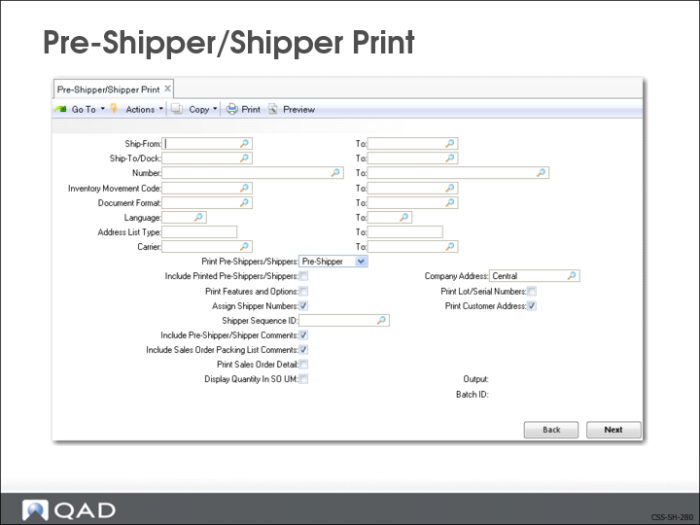
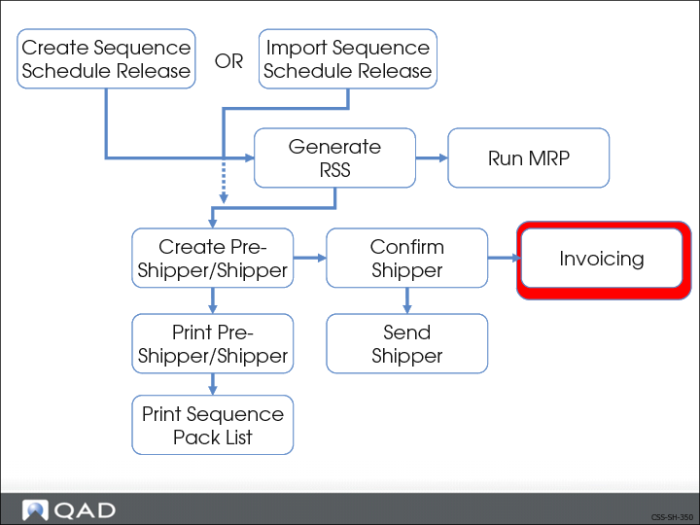
Pre-Shipper/Shipper Print (7.9.4)
Use Pre-Shipper/Shipper Print to create and print a shipper record.
• Prints separate packing list
• Can include sequence numbers
The system updates:
• The item quantity picked for this order
• Sequences on the shipper with the shipper number
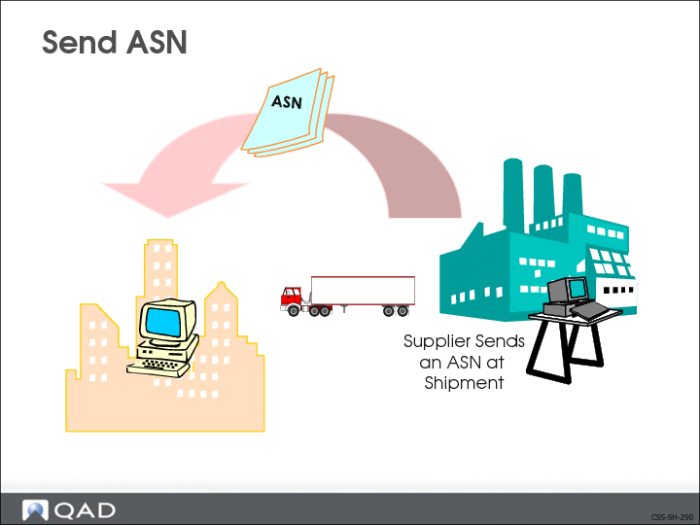
Send ASN
An ASN is an electronic document derived from the shipper document and electronically sent (exported) by a supplier to a customer when a shipment leaves the supplier site. It informs the customer that a shipment is on the way for purposes of in-transit advice and automated receiving. The shipper number becomes the ASN number.
The ASN includes sequence information if the Send Sequences with ASN field is set to Yes in the:
• Sequence Schedule Control (7.5.4.24), or
• Customer Controls Maintenance (7.5.4.1), if used
The ASN is also called an 856 transaction set per the ANSI ASC X12 standard. The ASN takes the place of an invoice in some supplier-customer arrangements. Export an ASN using EDI eCommerce, Shipment ASN Export (35.4.1).
Note: Whether or not an ASN is electronically transmitted using EDI to the customer depends on the setting of the EDI ASN field in Trading Partner Parameters Maintenance (35.13.10). If Yes, then the ASN can be transmitted by EDI.
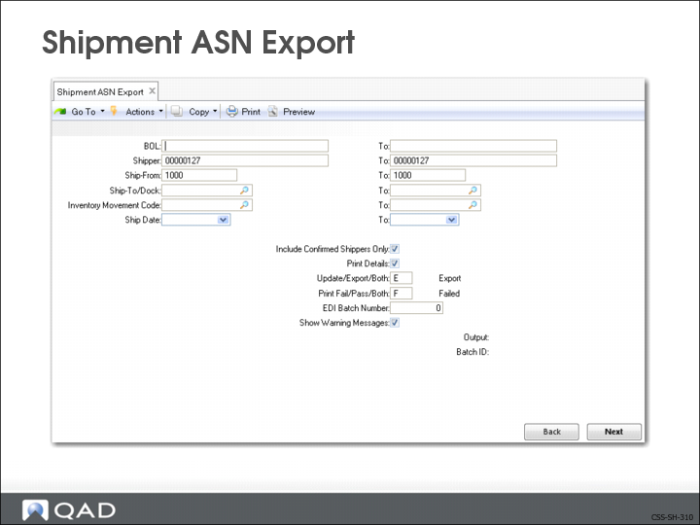
Shipment ASN Export (35.4.1)
In Shipment ASN Export, enter selection criteria to indicate which shipments should have ASNs sent. The system uses these criteria to:
• Execute the appropriate gateway program
• Select the appropriate trading partner information
• Transform outbound QAD Enterprise Applications data to the format required by receiving party’s EC subsystem
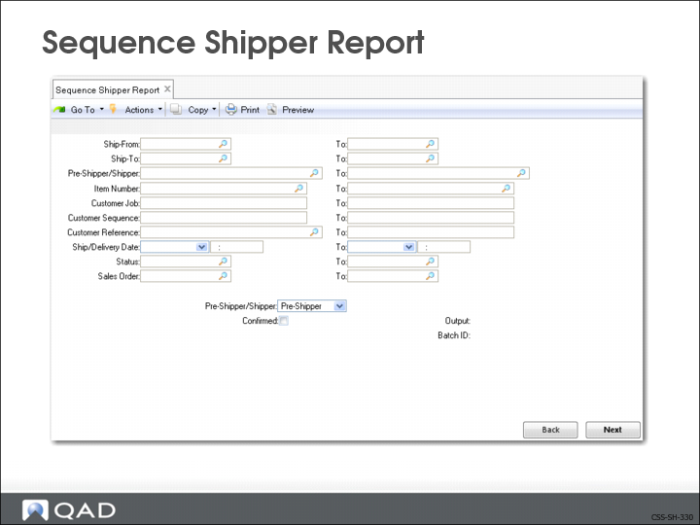
Sequence Shipper Report (7.5.4.11)
Use Sequence Shipper Report to print a report showing sequences contained within shippers.
• Allows you to see the shipper’s contents
Invoicing
Confirming the shipper marks the order as ready for invoicing.
QAD Enterprise Applications gives you two options for sending the invoice your customer.
• Print an invoice and send the printed invoice to the customer
• Electronically transmit the invoice to the customer