Report Customization
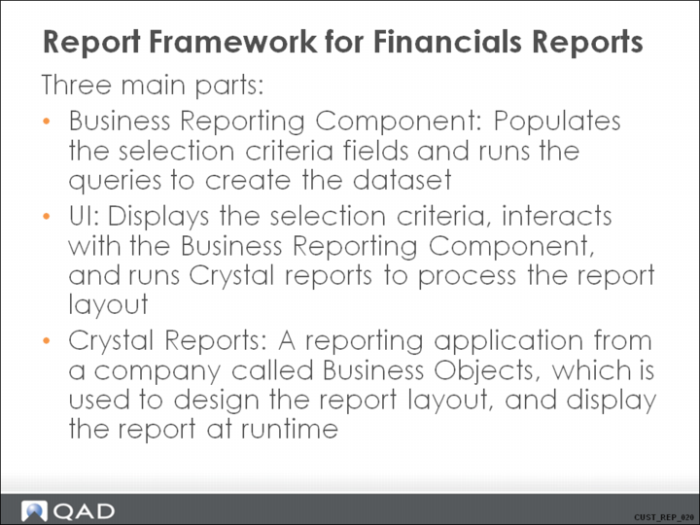
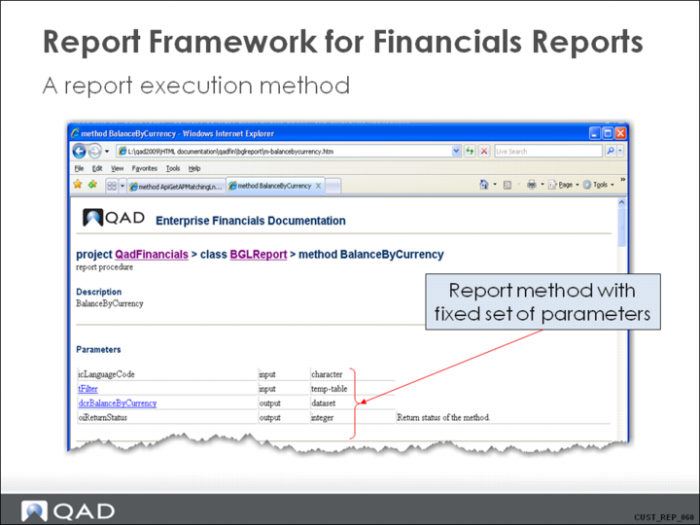
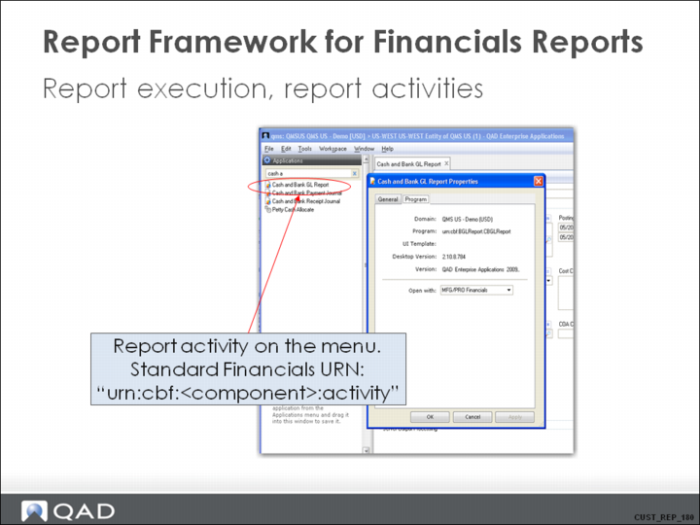
Report Framework for Financials Reports
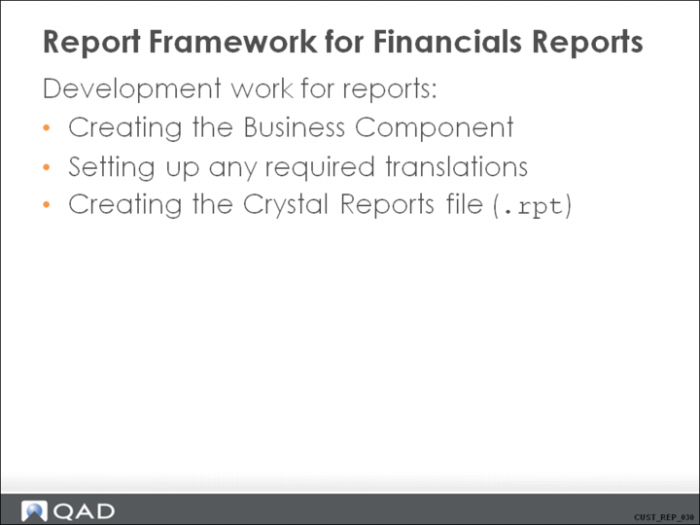
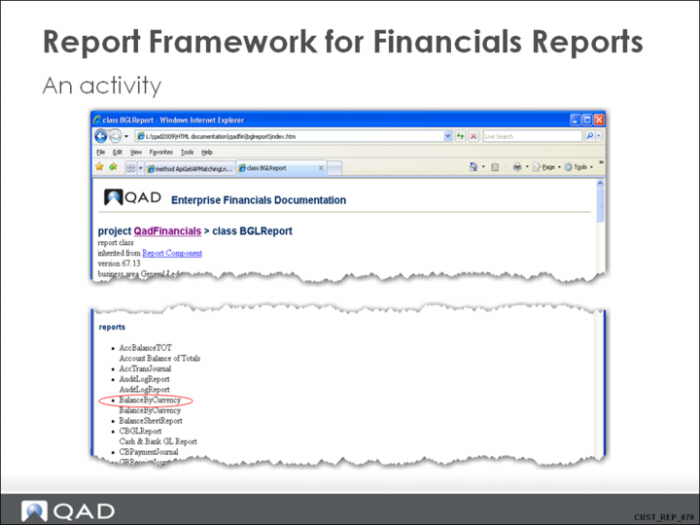
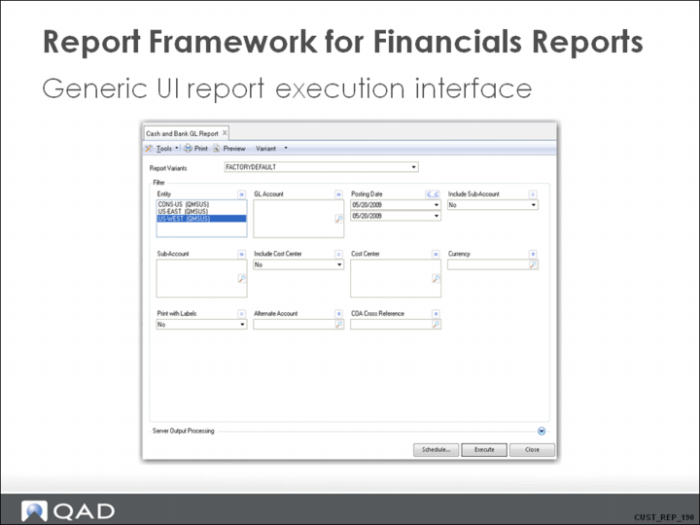
Report Framework for Financials Reports 2
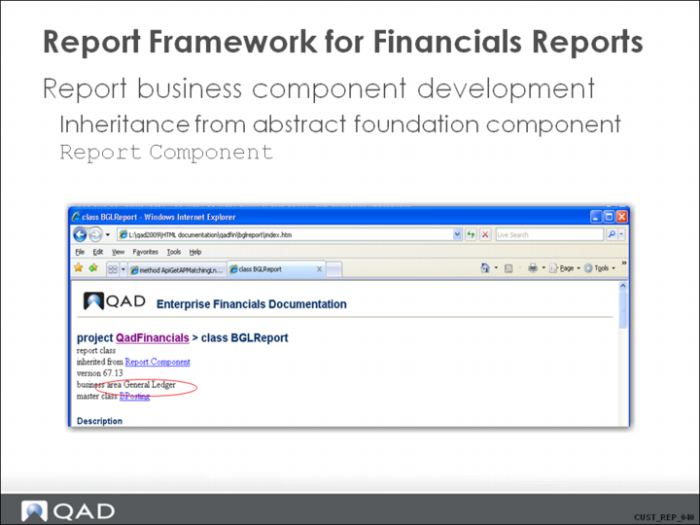
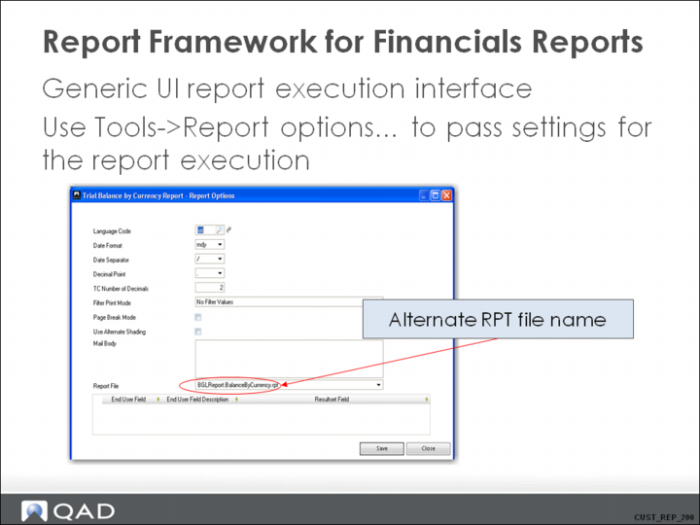
Report Framework for Financials Reports 3
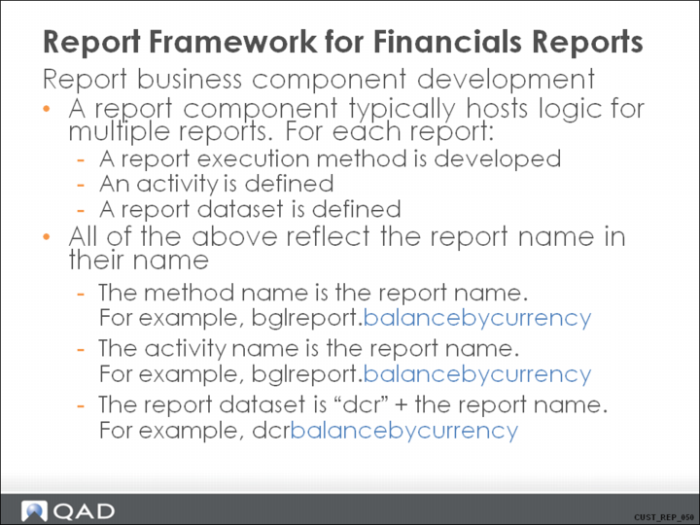
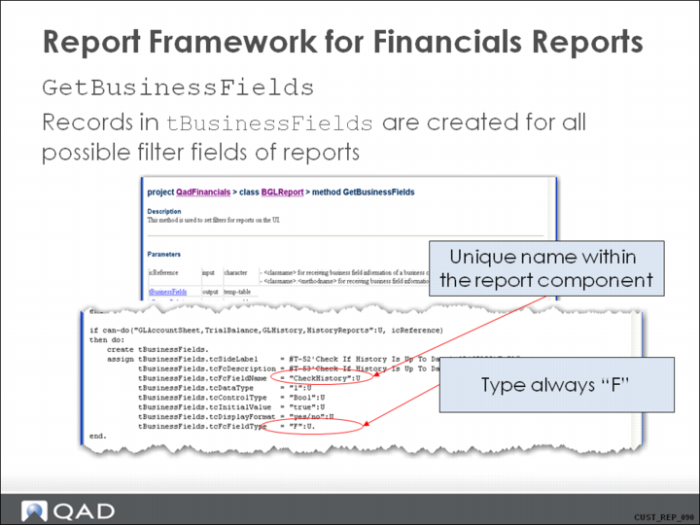
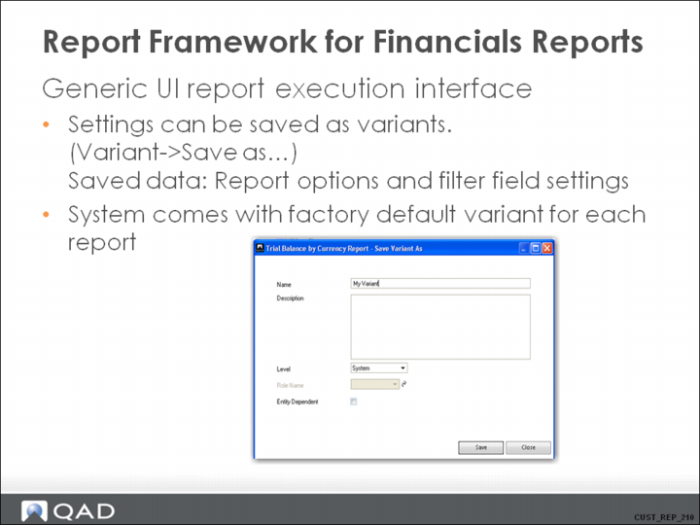
Report Framework for Financials Reports 4
Report Framework for Financials Reports 5
Report Framework for Financials Reports 6
Report Framework for Financials Reports 7
Report Framework for Financials Reports 8
Records with tcFcFieldType = “B” (describing the report resultset) do not need to be created by the developer.
They are created by the framework based on the layout of the report resultset.
Report Framework for Financials Reports 9
Report Framework for Financials Reports 10
Report Framework for Financials Reports 11
Report Framework for Financials Reports 12
Report Framework for Financials Reports 13
Report Framework for Financials Reports 14
Report Framework for Financials Reports 15
Report Framework for Financials Reports 16
Report Framework for Financials Reports 17
Report Framework for Financials Reports 18
Report Framework for Financials Reports 19
Report Framework for Financials Reports 20
Report Framework for Financials Reports 21
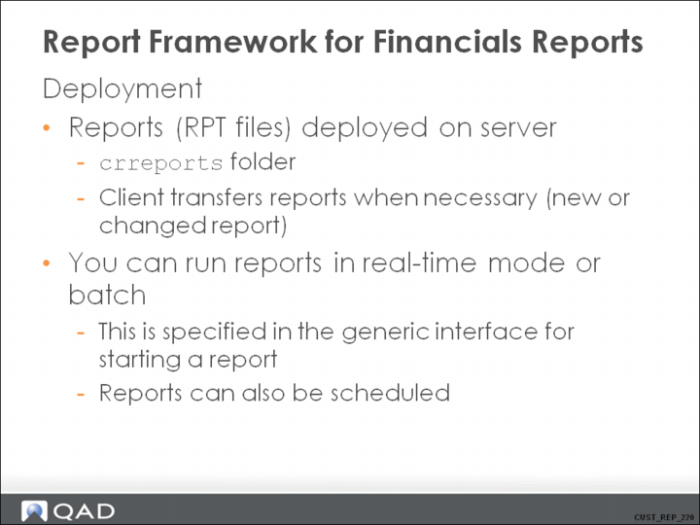
Locate the folder on the server in the training environment: “/dr01/qad2009/qms/fin/crreports”.
Reports are named “<ReportComponent>.<ReportName>.rpt”.
Customized reports should be placed in a different folder. This folder is specified in the server.xml file, under the “<customreports>” tag. In the training environment, it is set to $ENVROOT/customreports. Define $ENVROOT in this server.xml file.
The client transfers the RPT files only when they are to be executed. These files are cached in a client-side folder (plugins\qad.plugin.Financials\Reports).
Report Framework for Financials Reports 22
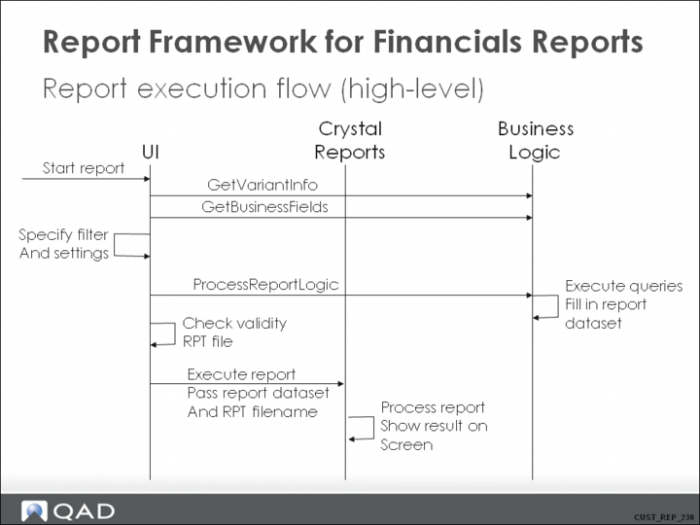
See “Customization of Component-Based QAD Applications – Architecture” for more details on Business Logic flows on starting a report and execution of a report.
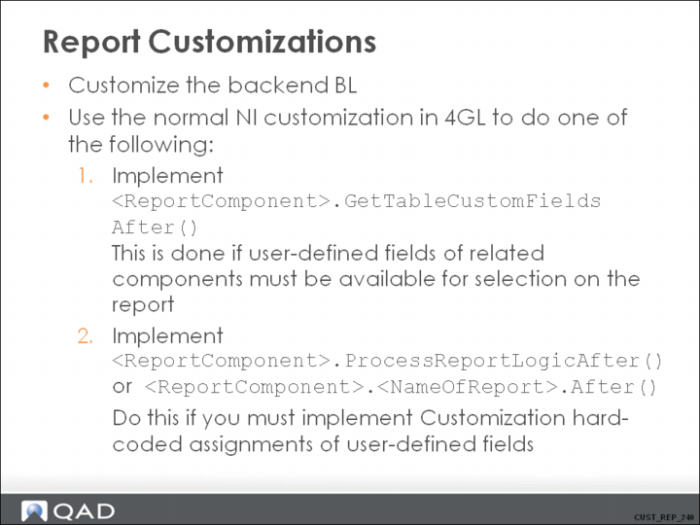
Report Customizations
There are two approaches for customizing the report backend. One approach is to write code to expose one or more UDFs of one or more business components to the report so that they are available for selection when the report is executed. The other approach is to write code that automatically fills in UDFs in the report result set with “calculated” values, which might be fields from other tables.
The user-defined fields for the report are selected in the report options form when the report is executed.
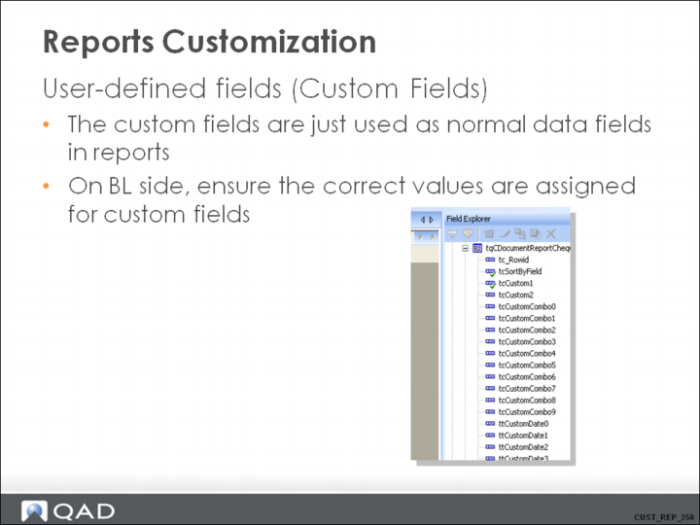
Report Customization - User-Defined Fields
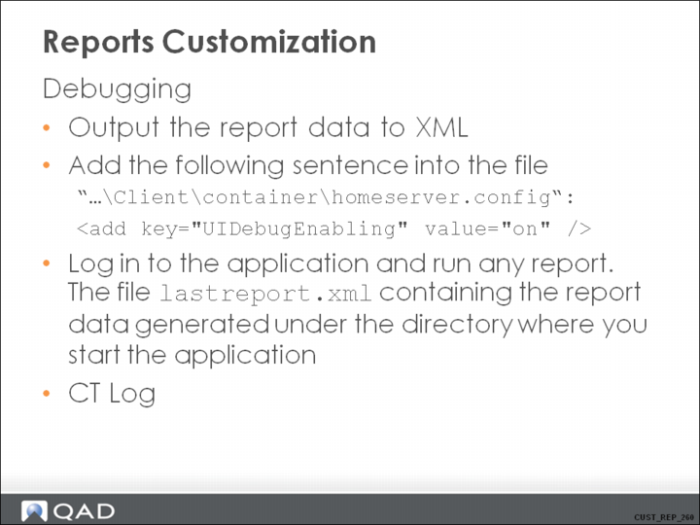
Report Customization - Debugging
Hands-on Exercise (14 + 15 + 16)