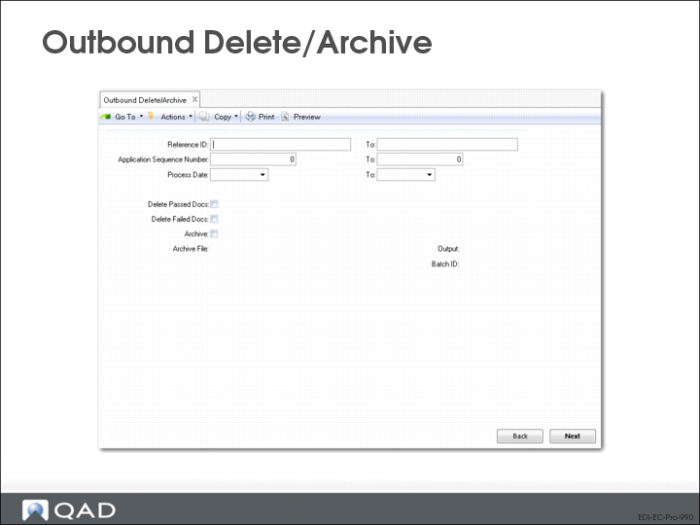
Outbound Delete/Archive (35.17.14)
Use Outbound Delete/Archive to delete and archive exported documents from repositories.
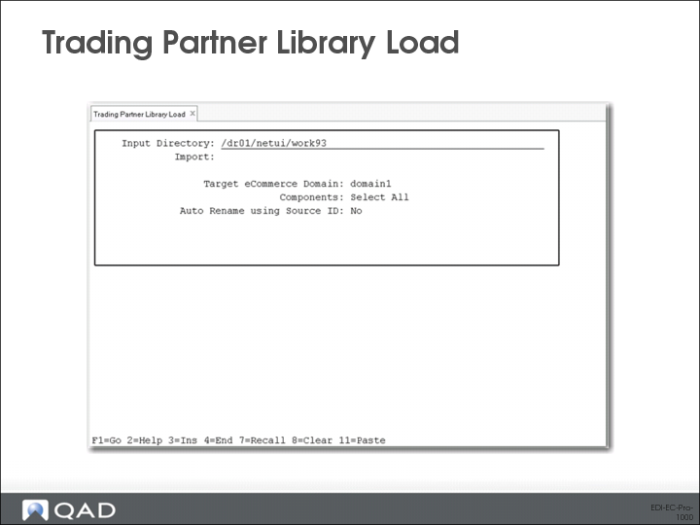
Trading Partner Library Load (35.17.7)
Use Trading Partner Library Load (35.17.7) to create new trading partner and supporting document definition data based on the contents of imported source files XML files created using Trading Partner Document Unload. Each file represents a complete trading partner document.
You can select individual trading partner documents from a list, or load all the documents in a specified directory at the same time.
Optionally, you also can decide which specific components of the XML files have records created in the destination domain.
Note: This program does not check or enforce data integrity for records you choose not to import. For example, you can choose to create document definitions but not the associated transformation definition. This does not cause the import process to generate an error message.
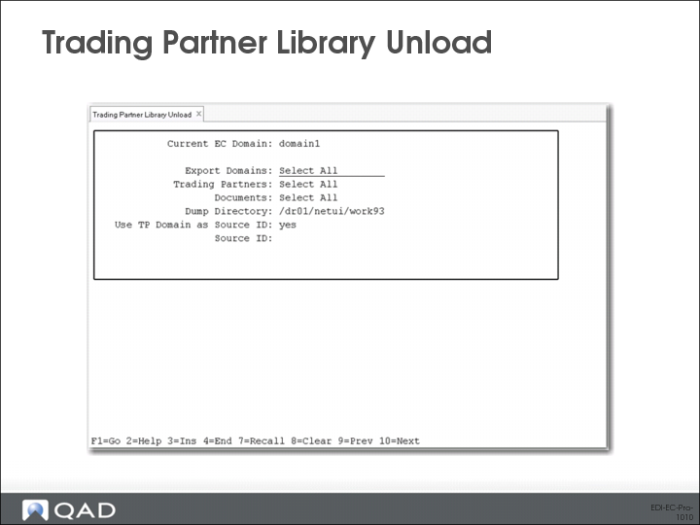
Trading Partner Library Unload (35.17.8)
This program creates .xml files that can be loaded using Trading Partner Library Load.
Gateway Variables
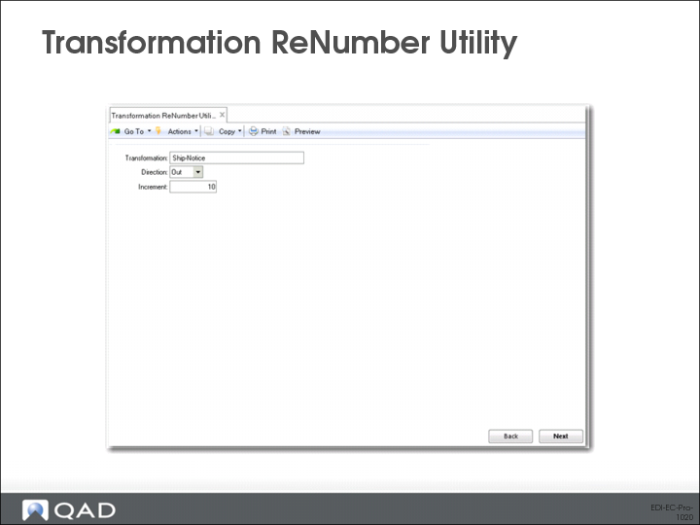
You can also assign new sequence numbers to transformation events as an edit function of Transformation Definition Maintenance.
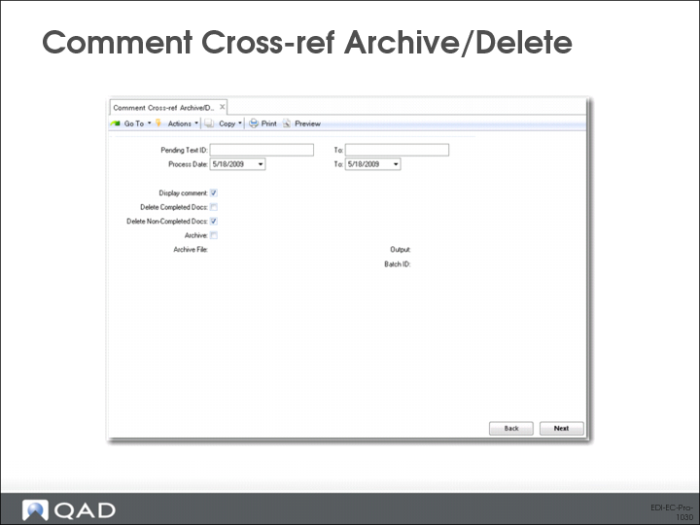
Comment Cross-ref Archive/Delete (35.17.15)
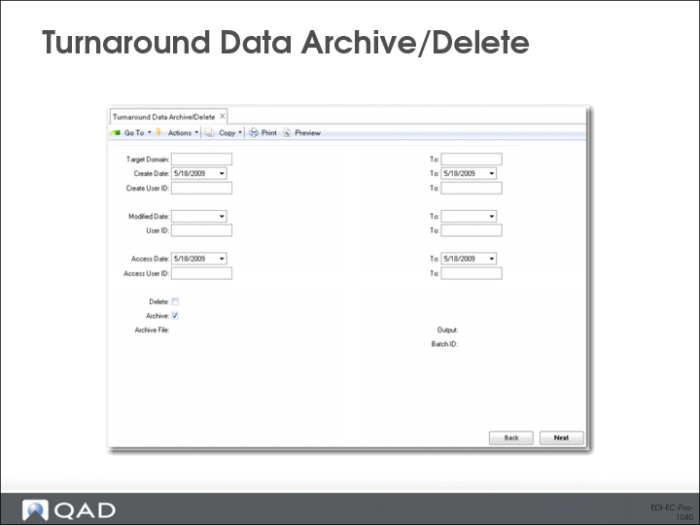
Turnaround Data Archive/Delete (35.17.16)
Advanced EDI eCommerce - Review