Deduction Details, Right-Click Menu
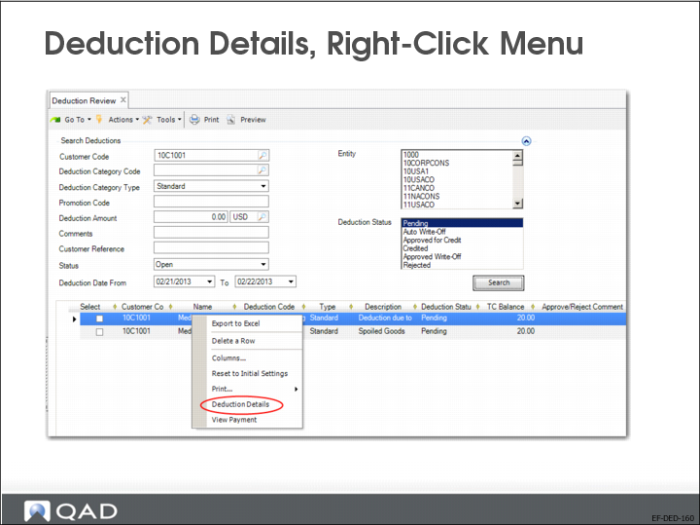
In Deduction Review, you can right-click a line in the grid and select Deduction Details. The system displays the Deduction Details window, where you can modify the deduction categories, modify amounts, and add lines, provided that the total deduction amount stays the same. You can only modify lines with the status Pending or Approved for Credit. The Deduction Details window is read only for the other statuses.
If you add a deduction detail line with a standard deduction category code where automatic write-off is enabled, the system sets the status of the deduction detail line to Pending by default. You can subsequently change the status of the detail line to other statuses that can follow on from Pending—Approved Write-Off, Approved for Credit, or Rejected.
After you close the Deduction Details screen, updated deduction detail lines are displayed in the Deduction Review grid.