Approving Deductions for Credit
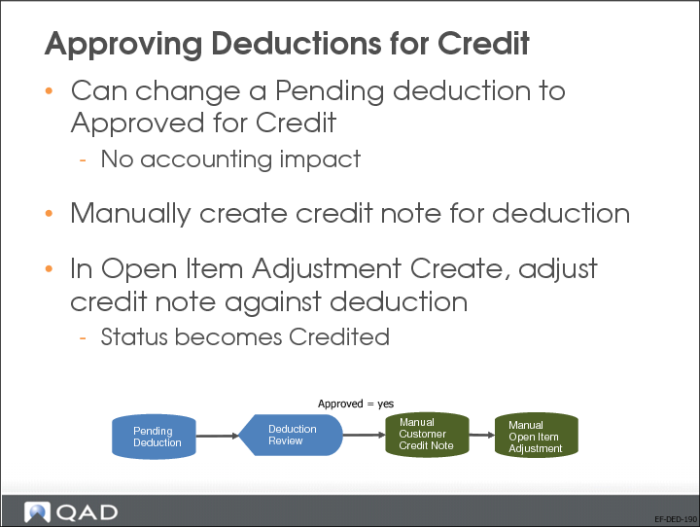
In Deduction Review, you can change the status of a Pending deduction to Approved for Credit.
Changing a line to Approved for Credit has no accounting impact. This status indicates that a credit note must be manually created for the deduction amount. When the credit note is created, you can use Open Item Adjustment Create to adjust the credit note against the deduction balance. When the deduction open item is adjusted, the deduction status is automatically updated to Credited.
Note: If a deduction does not have the Approved for Credit status, you cannot adjust it in Open Item Adjustment Create.
The system can accommodate cases where the credit note is not for the full Approved for Credit detail amount.
If you accidentally change the status of the wrong deduction to Approved for Credit, you can revert the line back to the Pending status using Deduction Review.