Rejecting Deductions
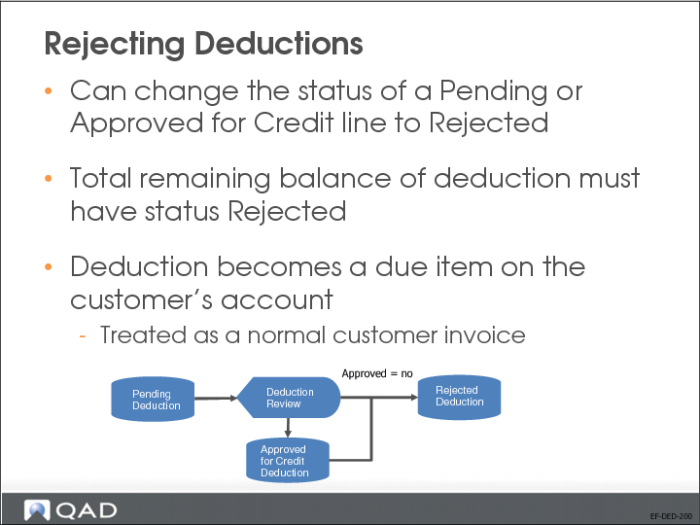
In Deduction Review, you can change the status of a Pending or Approved for Credit line to Rejected.
The total remaining balance of the deduction must have the status Rejected. If other detail lines for the same deduction have the status Pending or Approved for Credit, you cannot reject the deduction line.
You cannot modify the entity code or customer code when rejecting deductions.
The rejected deduction becomes a due item on the customer’s account and is treated as a normal customer invoice. The rejected deduction invoice can be included in transactions in Customer Payment Create, Customer Payment Selection Create, Banking Entry Create, Petty Cash Create, and Open Item Adjustment Create.
When the rejected deduction becomes an outstanding invoice on the customer’s account, the system recalculates the due date for the invoice using the deduction credit terms defined at domain level.