Supplementary Analysis Fields (SAF) Highlights
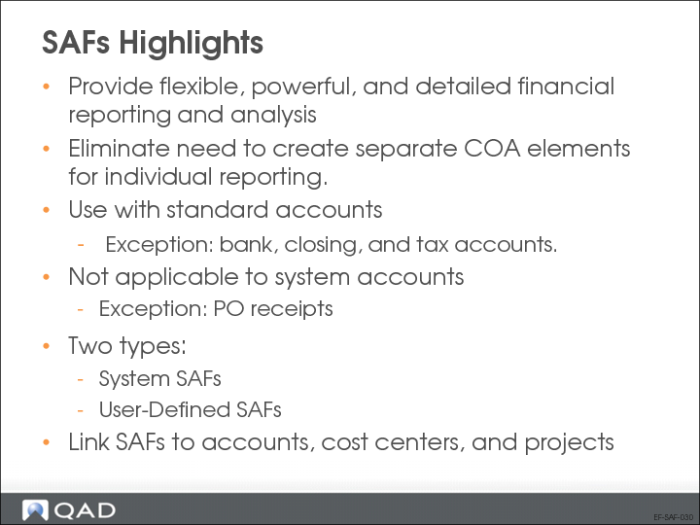
The system provides sub-account, cost center, project, and SAF analysis to be used for additional analytical reporting on transactions. SAF analysis is optional, but lets you create detailed views of data.
Using SAFs, you can analyze a single account in many different ways by filtering based on the SAF codes included in the postings to the account. A carefully planned set of SAF structures avoids the need to set up separate COA elements for individual reporting.
SAF analysis can be applied to all standard GL accounts except for bank, closing, and tax accounts. SAF analysis is not supported for system accounts, except for Purchase Order Receipts. You can apply SAF analysis to both revenue and expenses, and you would normally create a separate SAF structure for each of these types of transaction.
SAF Setup Overview
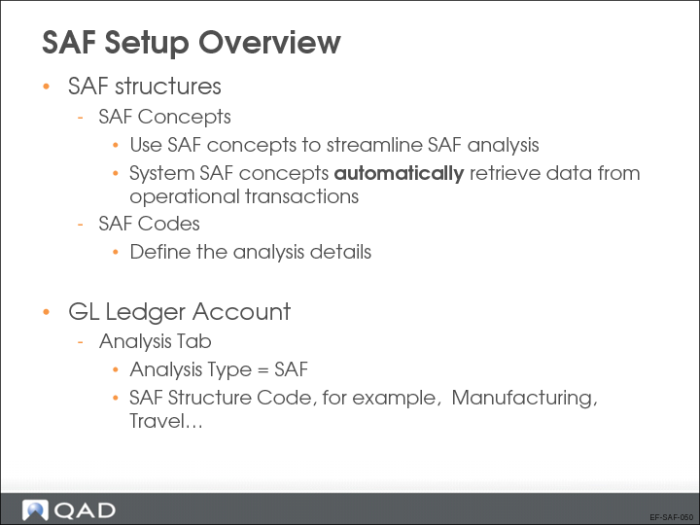
SAF analysis is managed through a combination of three elements:
• SAF concepts identify the type of analysis required
• SAF codes define the analysis details. Associate the codes with an existing concept.
• SAF structures contain a selection of concepts in a logical sequence.
You associate the structure with a GL account, cost center, or project.
SAF Setup
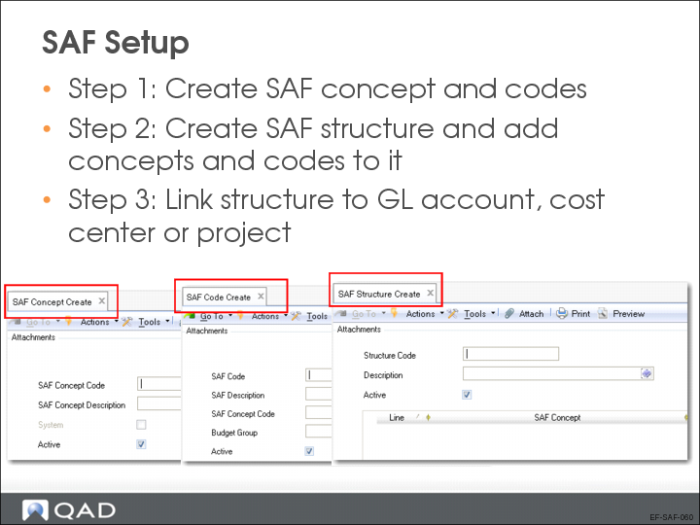
Creating SAF Concepts
Use the SAF Concept activities (25.3.7.1) to create, view, modify, and delete SAF concepts. Changing concepts has the following restrictions:
• You cannot delete a system SAF concept. You cannot delete a user-defined SAF concept if it has already been used in a transaction.
• You cannot create system concepts.
• The only value you can modify for a system concept is the Active setting.
• You cannot deactivate a concept if it is linked to an active SAF structure.
Creating SAF Codes
Use the SAF Code Activities (25.3.7.2) to create the values that you assign to an SAF concept. They generally correspond to the individual item that requires analysis. For example, you can track transactions relating to a particular vehicle belonging to the organization by creating an SAF code of the vehicle registration number.
Every SAF concept must have at least one default SAF code—defined in the SAF structure where it is used—and you can link any number of codes to the same concept.
Creating SAF Structures
Use the SAF Structure activities (25.3.7.4) to combine up to five SAF concepts in a sequence. You then link the structure to general ledger accounts, cost centers, or projects. You can associate only one SAF structure with a GL account, cost center, or project.
When an SAF structure is associated with a project, cost center, or GL account and a transaction updates that element, the SAF concepts and default codes are displayed in the transaction posting lines.
• For system concepts based on operational transactions, values are retrieved automatically.
When user-defined concepts have more than one value, you must select the value to use when you create the transaction.