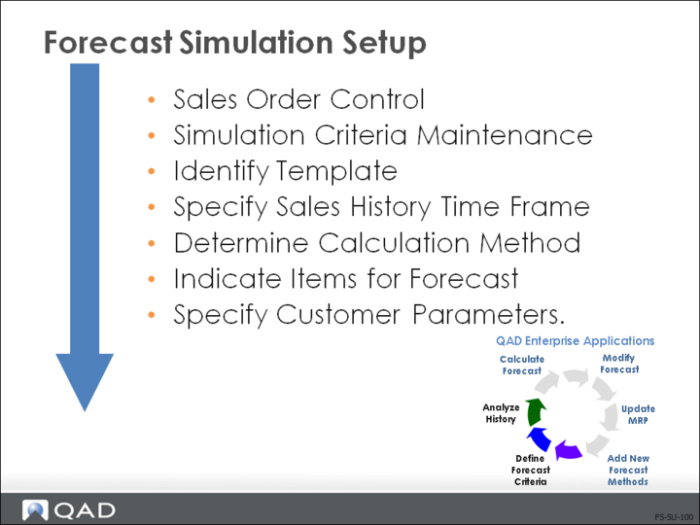
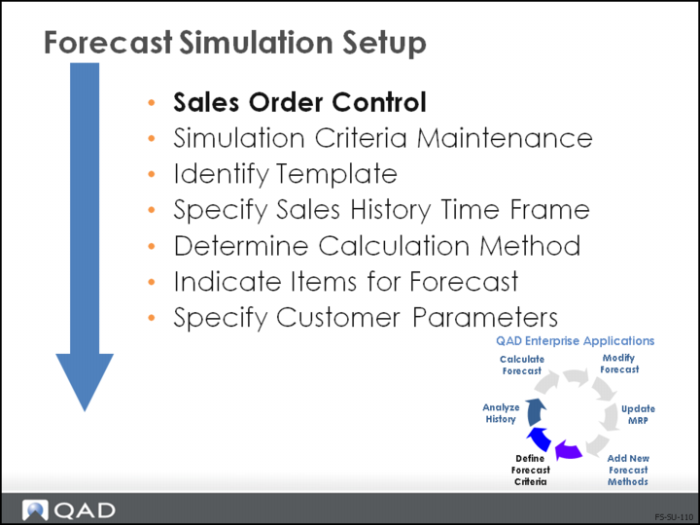
Forecast Simulation Setup
This illustration is a suggested setup sequence of master records for the Forecast Simulation module. It is based on information that flows from one type of data to another and prerequisites before setting up a particular type of data.
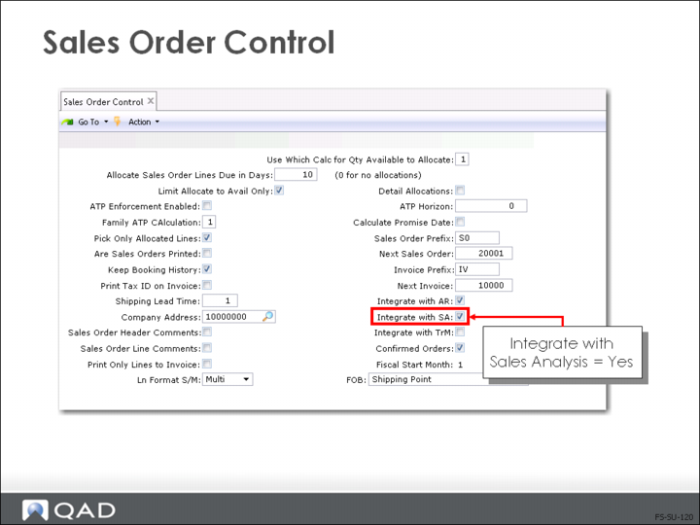
Sales Order Control
• Forecast Simulation analyzes the shipment history
• The shipment history is captured when the Integrate with SA field is set to Yes
• To forecast accurately, you need sufficient sales history
Note: Also discussed in Training Guide: Sales Order Management
• Long-term forecasts are more accurate than short-term ones
• Forecasts are calculated for one-month periods; actual sales seldom correspond to the forecast for a monthly period
Important: Forecasting quantities in Forecast Simulation are in monthly buckets. Forecasting quantities in Master Scheduling are in weekly buckets. (Master Scheduling forecast quantities are accessed in Forecast Maintenance, not Forecast Simulation.) Note this difference between Master Scheduling and Forecast Simulation.
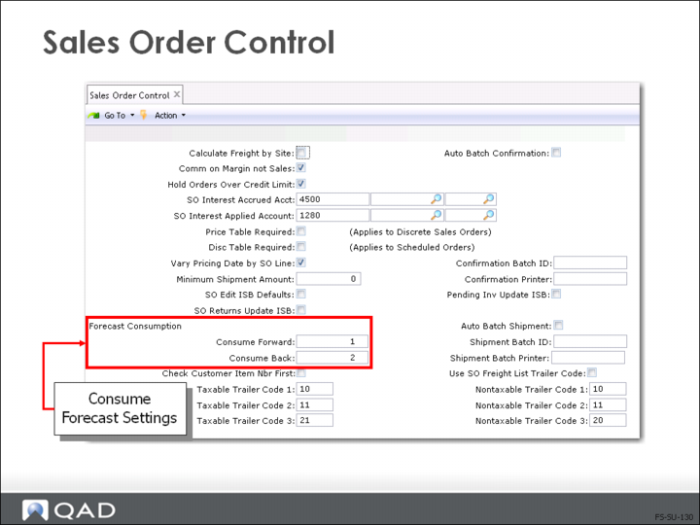
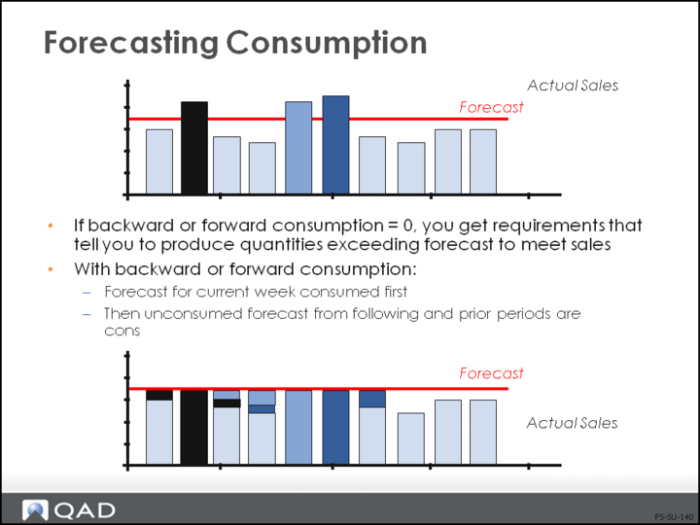
• To compensate for this inaccuracy, you can expand the forecast window by using forward and backward consumption
• Forecast consumption periods, in the Sales Order Control (7.1.24), are in weekly buckets
Forecasting Consumption
• The system consumes the forecast for the specified number of periods, first by going back, then forward, one period from the original forecast period
• It then continues to search backward and forward until the specified number of previous and future periods have been examined, or the entire sales order quantity has been applied
• Only confirmed sales orders consume the forecast