Set Up Criteria Template
To let QAD Enterprise Applications run the forecast simulation calculation, first develop a criteria template
• Specifies what sales history to use
• Defines how to perform the forecast simulation calculation
What is a Criteria Template?
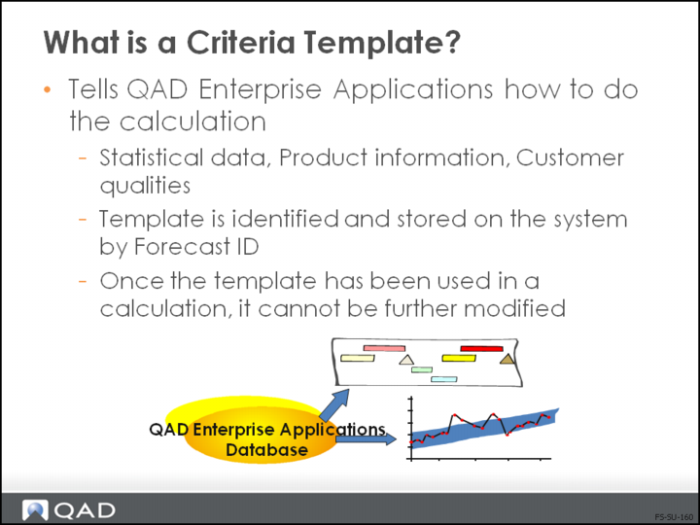
• The criteria template specifies statistical data, product information, and customer qualities to use in the forecast simulation calculation
• A unique forecast ID identifies each criteria template. Results with the same forecast ID overwrite existing results with the same ID
• A template can only be modified until it has been used for a calculation; once a template has been used for a calculation, it cannot be modified
• The forecast simulation is produced in monthly buckets for either the year specified (yearly) or for the next 12 months, beginning with the current month (rolling)
• To set up a yearly forecast, enter an ending year earlier than the forecast year
• A rolling forecast must have an ending year that is the same as the forecast year
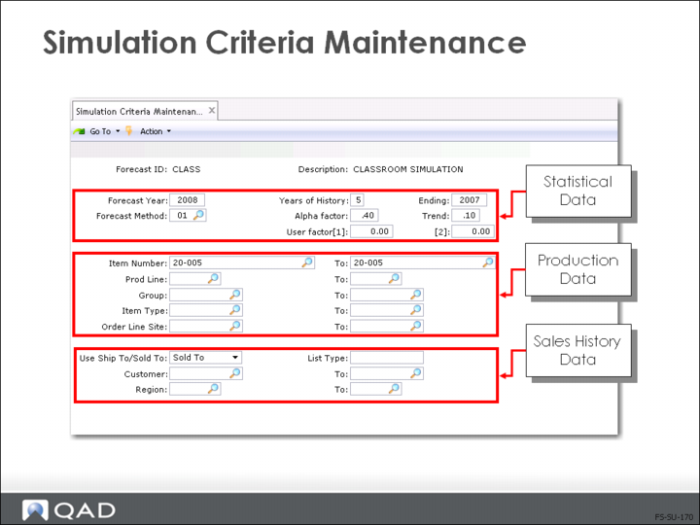
Simulation Criteria Maintenance
Category | Defines |
Statistical Data | Method, trend, alpha factor. Also includes user factors to a specified user-defined forecast method |
Production Information | Item, product line, group, item type, and order line site being forecast |
Sales History Data | How to use sales history data (customer, region, and list type) in the calculation |