Load Forecast
The loading of forecast quantities created outside the system
CIM Data Load
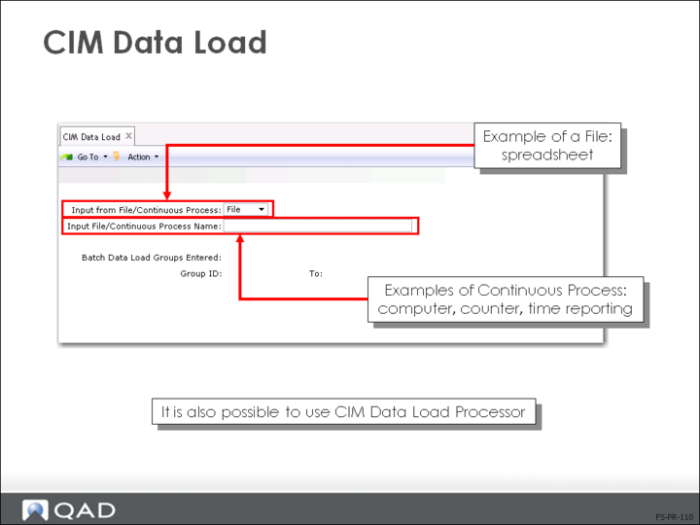
Use CIM Data Load (36.15.1) to load data from an external data source into the database for processing. Import data can be in ASCII file format or acquired in real time. Each import record’s data must be in the sequence it would be when you were entering it manually using a QAD Enterprise Applications maintenance function.
The CIM process has several steps:
1 Run CIM Data Load (36.15.1) to load the external data you specify into batch load data files
2 Specify which data to load by file name, if applicable, and data type—either a prepared file or real-time process
3 Run CIM Data Load Processor (36.15.2) to take the imported data and update the appropriate QAD Enterprise Applications master tables
4 Use CIM Data Load Process Monitor (36.15.4) to monitor the load process, as needed
5 Use Batch Request Detail Report (36.14.5) to review processing errors and delete processed data, as needed
In import files, data-load groups are segregated by special characters:
• @@batchload indicates the start of a new data-load group
• @@end indicates the end
CIM Data Load (36.15.1) does not automatically format data; pre-formatting of input files is required.