Copy Forecast
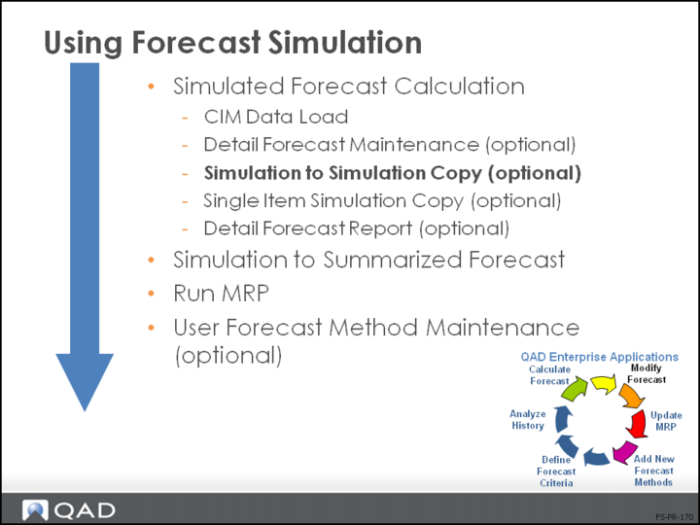
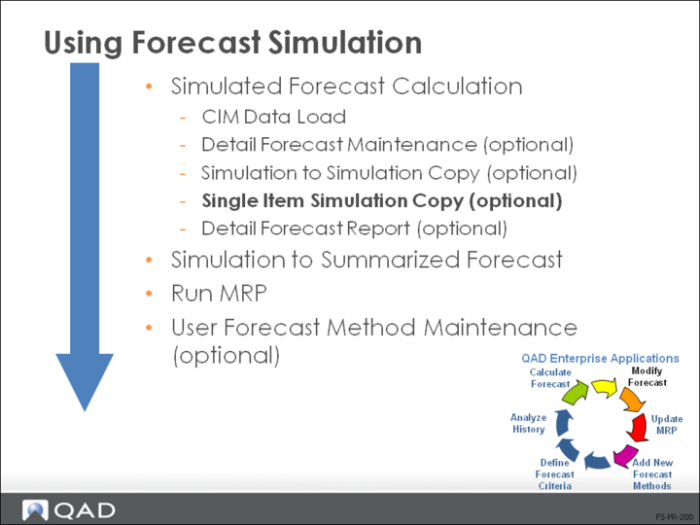
• There are two ways to copy a forecast
• Simulation to Simulation Copy (22.7.11) and
• Single Item Simulation Copy (22.7.12)
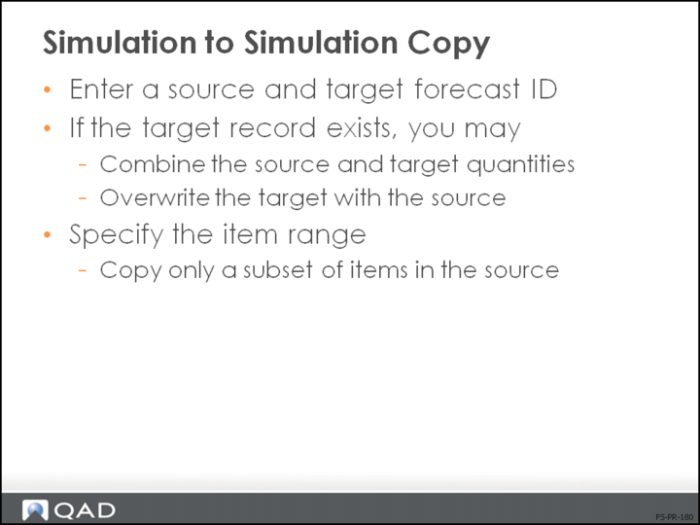
• Enables you to copy (replace) or combine criteria temples and/or detail records
• Valuable when you aggregating forecasts
• Targets are changed/overwritten, source remains unchanged
• If item ranges of target and source are different, the target range is expanded
Simulation to Simulation Copy
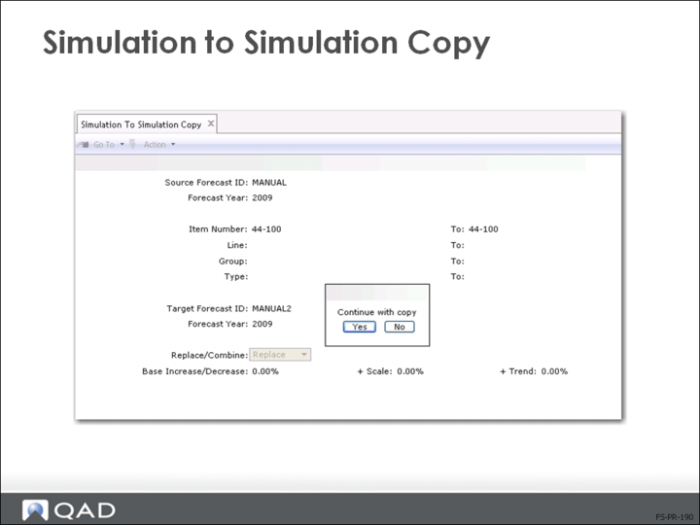
• Choose between replacing or combining forecast quantities
• If target forecast record exists, must use forecast method 00 for target
• If target does not exist, record is created with method 00
• View the results in Detail Forecast Inquiry (22.7.8) or Detail Forecast Report (22.7.9)
Single Item Simulation Copy
• The second method for copying forecasts copies sales history from one item to another
• Helpful for new items that have similar sales patterns as existing items
• Enables you to create forecast for a single new item based on the historical sales data of another item
• Useful for products with a shortage of sales history
• Copies forecast records to different items
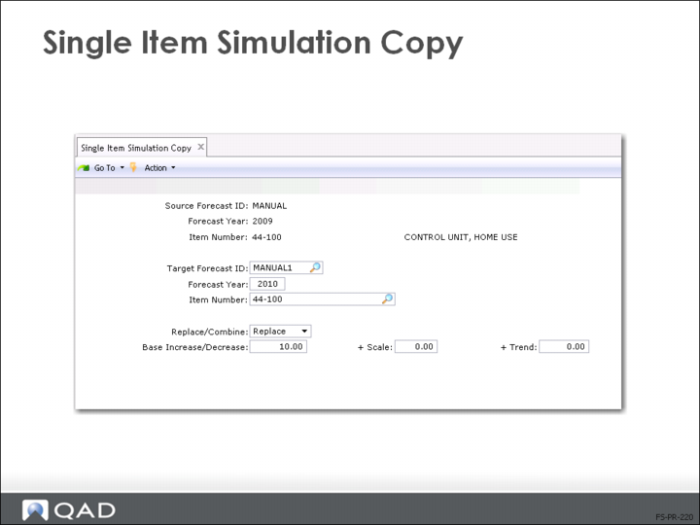
• Can multiply by a Base Increase/Decrease, Scale, or Trend factor
• If target forecast record exists, must use forecast method 00 for target
• If target does not exist, record is created with method 00
Warning During combine or replace, original target records and criteria template are overwritten. The source record is not altered.
Single Item Simulation Copy
• Use this function to create forecast for a new item based on historical sales of another item
• This function is similar to Simulation-to-Simulation Copy (22.7.11), but here forecast records are copied for a single item
• The source record for an item is copied to another forecast ID with a different item
• The new item must exist in the item master
• Forecast records are copied only in terms of units
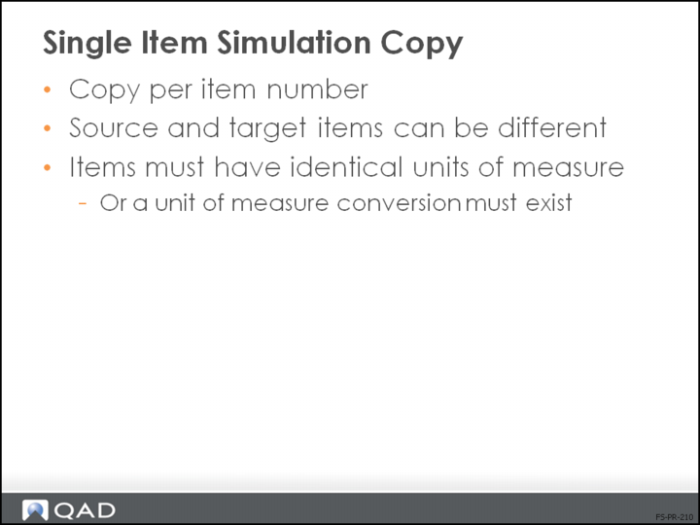
• Source and target items need identical units of measure or a unit measure conversion
• The Forecast Method for the target must be 00 when the target forecast record exists
• If the target does not exist, a record is created with method 00
• During a Combine or Replace, the original target forecast record and criteria template is overwritten
• The source record is not altered
Important: Control this function with a password.
Important: Be cautious when copying/combining forecast results. From a statistical point of view, the result is not a valid forecast. Aggregate/combine historical sales data before doing the forecast calculation. Multipliers are applied to the source quantity before replacing or adding to the target quantity.