Forecast Summary
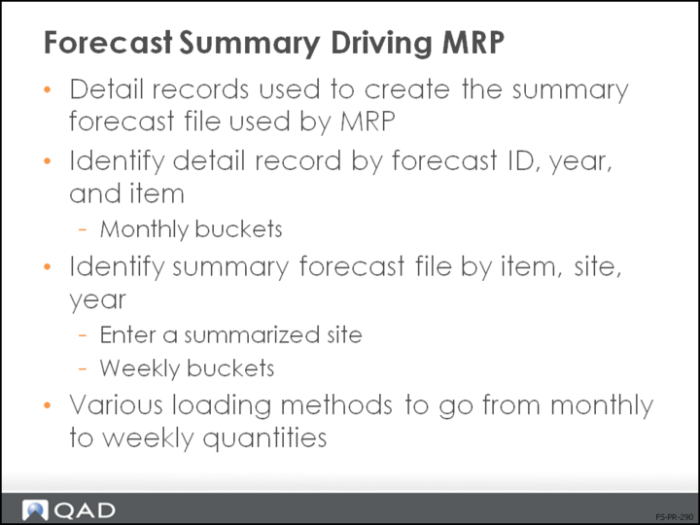
• The forecasted demand is used to drive MRP
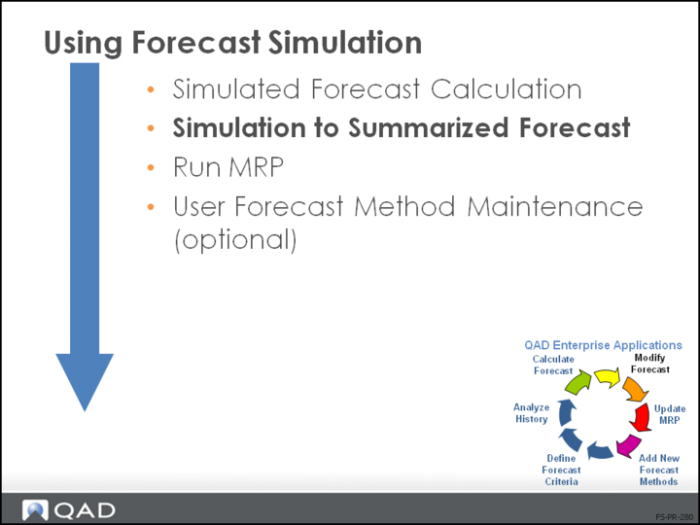
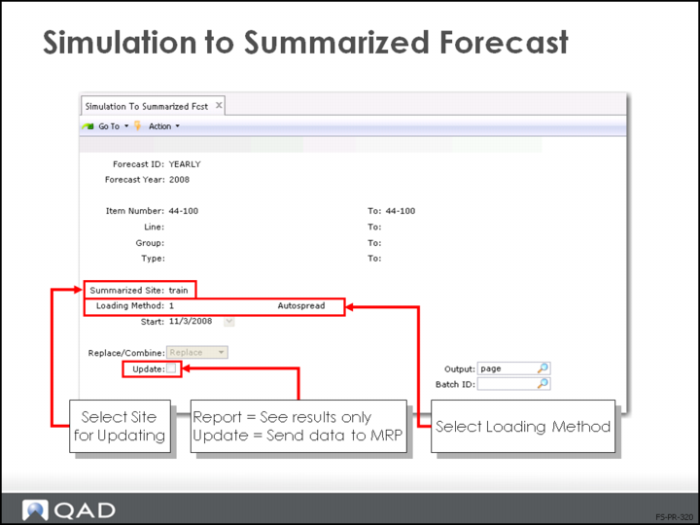
• Simulation to Summarized Forecast (22.7.13) loads forecast quantities to the summary forecast file MRP uses
Driving MRP
• All calculations have been run and modified, as necessary
• The detail records are summarized into one file for the MRP calculation
Loading Methods
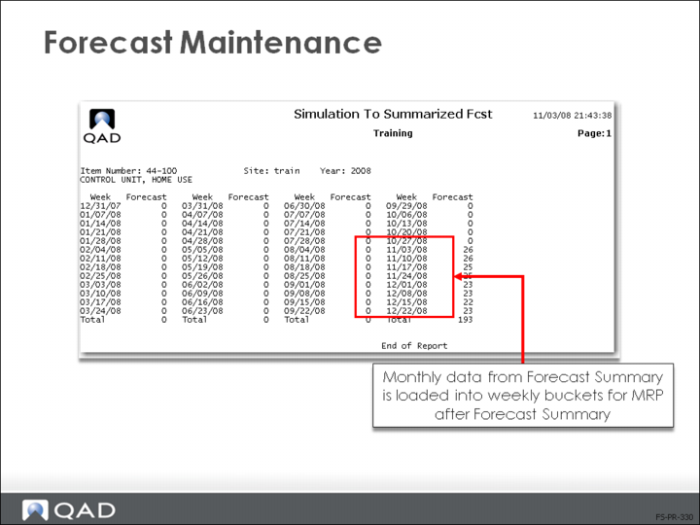
• Monthly buckets are loaded as weekly buckets for the MRP calculation
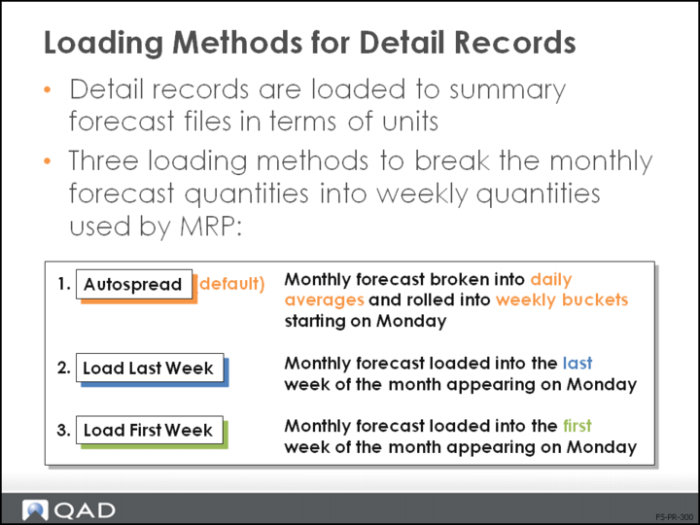
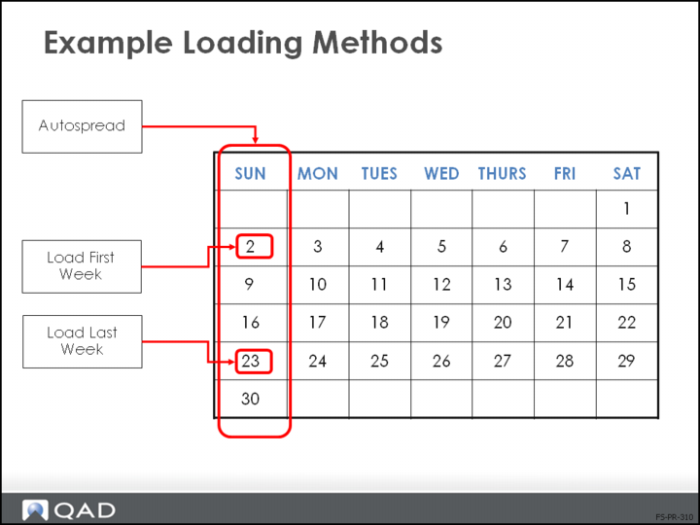
• Autospread loads the monthly quantities equally across the weeks
• Load first week enters all quantities into the first week appearing on a Monday
• Load last week enters all quantities into the last week appearing on a Monday
Simulation to Summarized Forecast
• Forecast detail records are used to create, replace, or combine summary forecast files
• Select a summarized site for updating
Note: You can combine detail records into one summary forecast file, but this action is not recommended. From a statistical viewpoint, the combined result is not a valid forecast.
Updates to the summary forecast file are permanent and cannot be undone manually except by changing the file in Forecast Maintenance (22.1) (a Master Scheduling task)
Results
• After running Simulation to Summarized Forecast (22.7.13) with Update/Report set to Update, the data is loaded into Forecast Maintenance (22.1)
• The simulation affects MRP now.
• Before data was loaded, the Forecast Simulation had no effect on MRP