Cycle Count and Physical Inventory

.
Cycle Count and Physical Inventory Allow You To
• Count inventory by site, location, item, lot number and serial number
• Update actual inventory balances
Only inventory can be counted. You cannot count items in work-in-process (WIP). The value of WIP can be audited using:
• Work Order Status Report
• Work Order Cost Report
• Work Order WIP Cost Report
Why Consider Cycle Count and Physical Inventory?
Cycle Count
Frequency is determined by item’s ABC Class. Cycle Count Worksheet Print determines how to manage the count.
Cycle counting lets you count select items on an on-going basis, focusing attention on items that are more likely to have errors.
Physical Inventory
Use physical inventory to conduct a count of items and products on hand. Counts are manually recorded with inventory tags. Tag counts are entered to update live inventory balances. Physical inventory lets you count everything once a year (perpetual).
Setup Implications
Proper procedures in the physical control of inventory are necessary for accurate materials planning. If the balances on hand are not correct, items may be ordered before they are needed or may not be ordered when they are needed.
Cycle counts are preferable because they allow timely detection and correction of errors and are often more accurate than physical inventory counting.
Physical inventory usually allows no time to resolve problems associated with an incorrect balance.
Incoming Inspection
Inspecting Received Materials Allows You To
Specify the location to which items that require inspection are automatically routed upon receipt. Once inspected, materials are transferred to their appropriate sites/locations. Inspection required is specified by item in Item Planning Maintenance (1.4.7) or Item-Site Planning Maintenance (1.4.17).
Why Consider Inspecting Received Materials?
Inspection lead time uses the Shop Calendar during the calculation process.
• If Inspect is Yes, items are received to the default inspection location in Purchasing Control (5.24), which is used to calculate need and due dates.
• If Inspect is No, the receiving location defaults to the item master location and the need date is set to the due date.
Setup Implications
Inspection lead time is calculated only if the item has Inspect set to Yes in Item Planning Maintenance or Item-Site Planning Maintenance.
Note: Quality Order Maintenance (19.7) may be used to record the results of incoming inspections.
Lot and Serial Numbers
Lot and Serial Numbers Allow You To
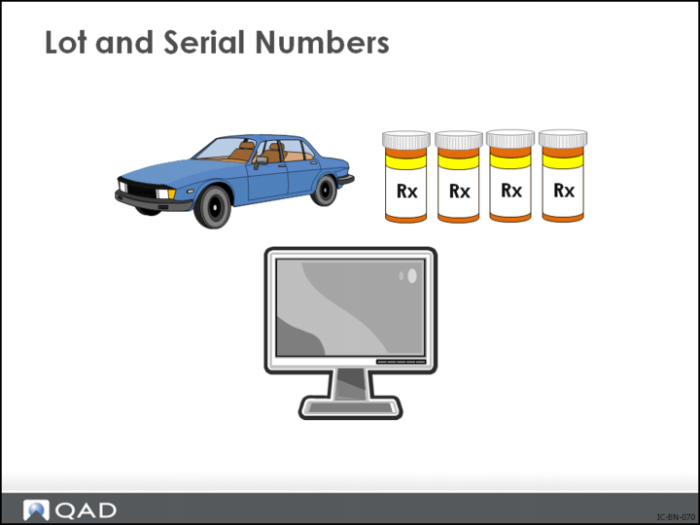
Track items through the system as items enter inventory and are worked on. One tracking method is to assign a lot and serial number to the item and then require the lot and serial number each time the item is moved or processed.
Why Consider Lot/Serial Numbers?
In certain industries, lot traceability is required by the government for health and safety reasons. Others use it for quality control and defect tracking.
Because each use of an item is tracked in the programs on the Transaction History Menu, it is easy to see when it was received, what happened to it, and who purchased it.
Setup Implications
With lot control, 10 boxes of ink cartridges bought from one supplier can be distinct from 15 boxes from a second supplier, both in inventory and in production.
Lot group in Item Inventory Data Maintenance (1.4.5) determines the format used when assigning automatic lot numbers.
1 If left blank and you are assigning automatic lot numbers with Auto Lot Numbers set to Yes:
a Work orders use the work order ID as the lot number, and
b Purchase orders are not assigned lot numbers.
2 If Allocate Single Lot is Yes, the picking logic must allocate these items from a single lot, ignoring smaller lots that could partially fill the allocation.
Important: Lot and serial numbers may significantly increase all transaction activity associated with an item. However, by dealing with inventory in smaller lots accuracy is greatly improved and bar code makes increased activity easy.