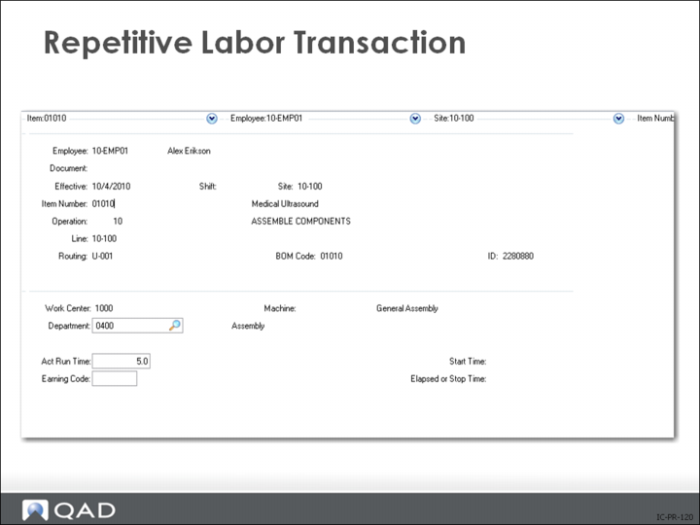
Repetitive Labor Transaction
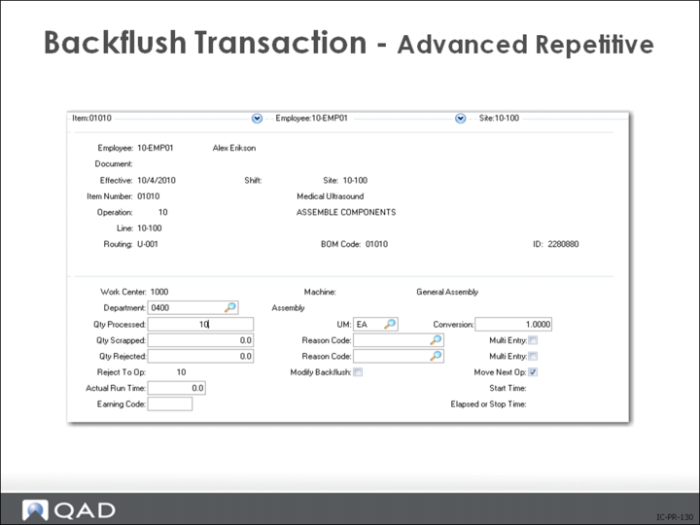
Backflush Transaction – Advanced Repetitive
Combines the functionality of Work Order Component Issue (16.10) and Work Order Receipt (16.11).
• Allows backflushing of quantities different from those received
• Keeps track of inventory transactions used to issue components to a work order and excludes floor stock
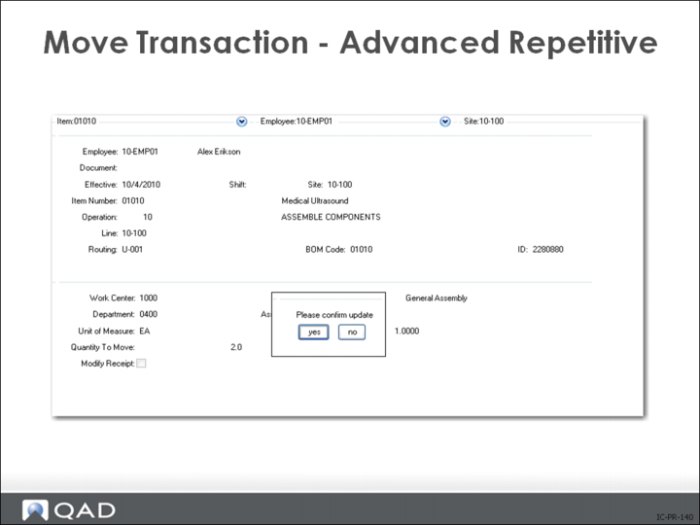
Move Transaction – Advanced Repetitive
Use this transaction to register production at a manufacturing operation. It consumes (backflushes) resources required by the operation and receives the completed units.
• The value of these resources is added to work in process
• Reject and scrap quantities may be entered (optional)
The quantity processed, less any reject and scrap, may be moved to the next operation with a receipt to finished material inventory if it is the last operation.
Transfer a quantity from the input queue of a manufacturing operation to the output queue of the following operation.If there is no following operation, transfer to finished material inventory
When entering a repetitive transaction for the first time, the system creates a cumulative work order.
• Cum orders contain work in process quantities and values
When the cum order is created, the routing and product structure as of the effective date entered, along with work center labor and burden rates, are captured into the cum order
A cost roll-up is performed on the captured data
For standard-costed finished items, these captured and rolled-up costs are used as the rates at which resources are added to or removed from WIP
• General ledger postings are generated for the receipt of finished materials and stored in the unposted transaction table until they are posted
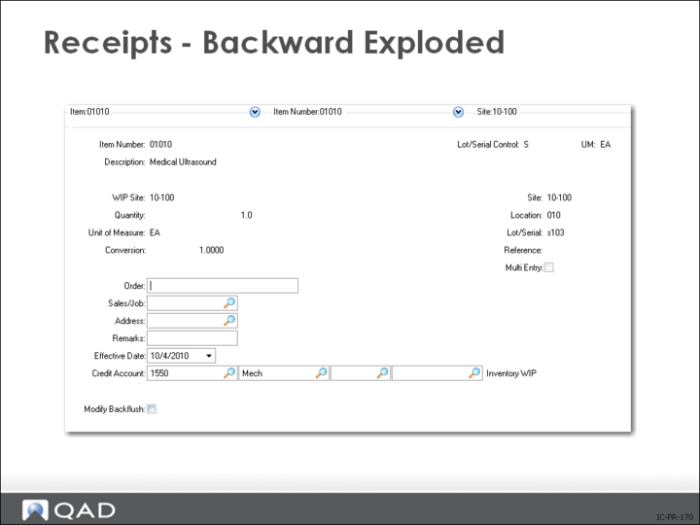
Receipts – Backward Exploded
Useful to make up kits, tear down subassemblies, convert part numbers, or assemble packaging when a work order is not needed. Care should be exercised when used to tear down an assembly. Be sure you understand the accounting effects of undoing work that has been completed. Use the Receipts - Backwards Exploded transaction to receive the reported item and optionally issue the components in the BOM of the reported item.
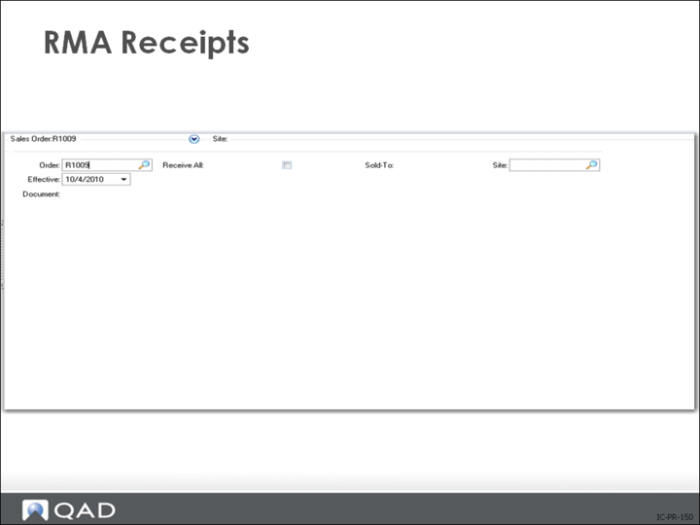
Return Material Authorization (RMA) Receipts
• Records customer return for credit, repair, or replacement.
• Items are put into inventory at specified site and location and customer credit is recorded.
• Once all line items have been received and shipped and all quantities posted, the system removes the RMA.
Receipts – Unplanned
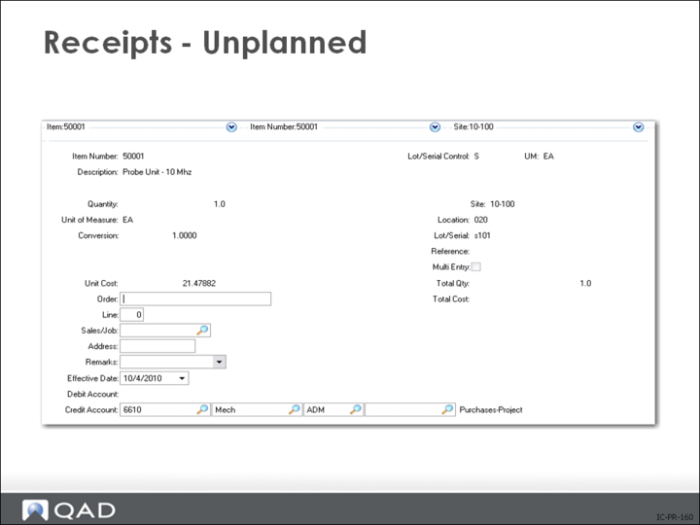
A receipt not related to any open sales, purchase, manufacturing, or quality order is an unplanned receipt.
• Use to record receipt of miscellaneous inventory (floor stock items sent back from production, or materials sent back from engineering)
• If the item you are receiving is designated lot/serial controlled, enter a lot/serial number
• For multiple sites and locations, lot/serial and lot reference numbers can be specified on one transaction using the Multi-Entry option
Use unplanned receipts to record:
• Miscellaneous inventory receipts (floor stock items sent back from production or materials sent back from engineering, for example)
• Receipt of materials from a manufacturing order that has already been closed for accounting purposes
• Can also be used to enter initial inventory balances when first implementing
Note: In a tightly controlled environment there should be no usual use of unplanned transactions. Floor stock items could be transferred from stock room to work center stock location, then if sent back to the stock room its another transfer. Partial work order receipts are OK but no work order with open WIP should ever be closed by accounting.