Calculate Requirements
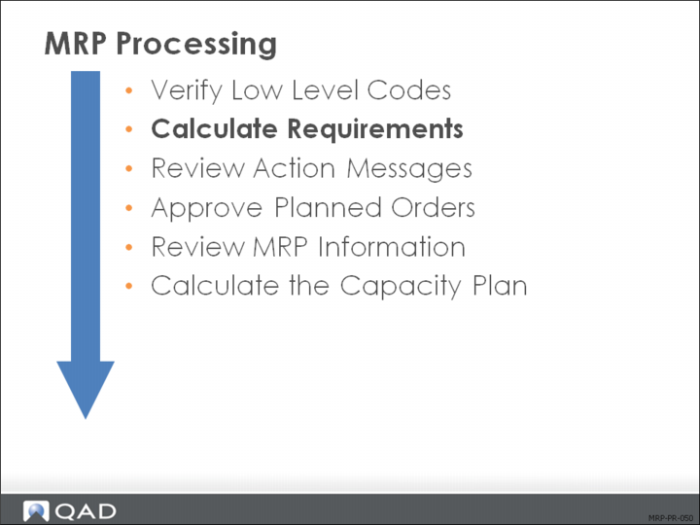
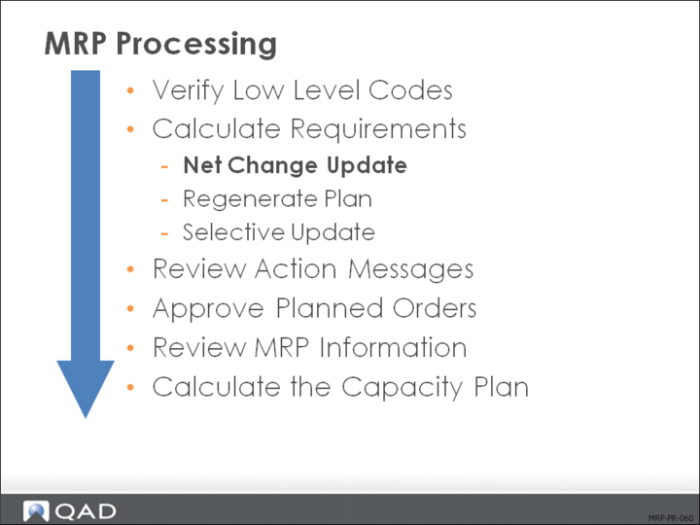
QAD Enterprise Applications offers three ways to run MRP:
• Net Change Materials Plan (23.1) calculates requirements only for those items that have changed since the last update
• Regenerate Materials Plan (23.2) updates the entire database
• Selective Materials Plan (23.3) updates selected items only
MRP ignores items with an order policy of blank.
Net Change Materials Plan
Net Change Materials Plan (23.1) considers only items with MRP Required set to Yes in their item planning data. The system sets this field to Yes automatically when changes occur for an item in any of the following areas:
• Item or item-site planning data
• Product structures
• Sales or purchase orders
• Work orders or repetitive schedules
• Inventory
• Forecasts
• Master production schedule
• Intersite demand
About this functionality:
• It takes some time to process. Consider submitting it in batch.
• It does not see demand or forecast for items moving into the MRP horizon as time passes.
• Many companies use it for their normal MRP runs.
If more than 50% of items have changed since the last MRP, it takes about the same amount of time as a full regeneration.
Field Definitions
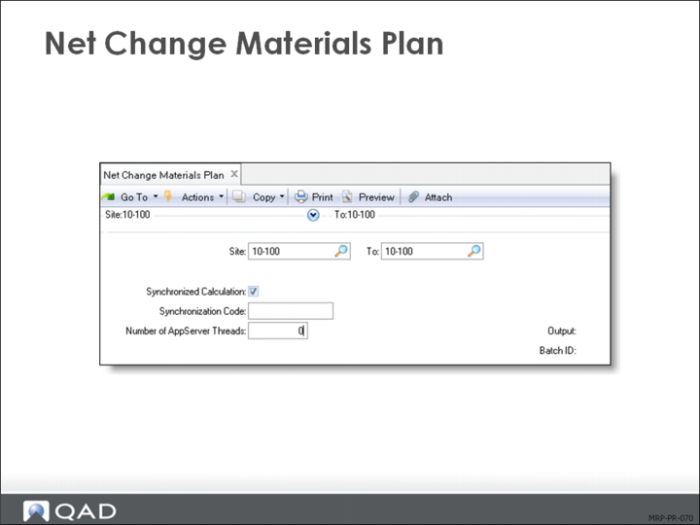
The key fields in Net Change Materials Plan (23.1) are:
Site/To
Enter the sites to plan for. One site’s material plan is independent from inventory, demand, and supply in other sites.
Synchronized Calculation
Determines whether this MRP/DRP calculation runs simultaneously with other calculations sharing synchronization code. Synchronized calculations benefit you if you have Symmetric Multiple Processor (SMP) computers.