Value
Value added includes:
• Simplifies scheduling compared to WC/OP level
• Schedule at shift level
• No completed routing setup needed – finance can have the routing
At the operation level, you could not see the relationship of your customer demand to your scheduled supply.
Many customers would admit their routing setup is less than optimal and may not be adequate to use for scheduling purposes.
Schedule Discrete, Kanban, and Repetitive on a Shared Resource Section
Schedule Discrete, Kanban, and Repetitive on a Shared Resource
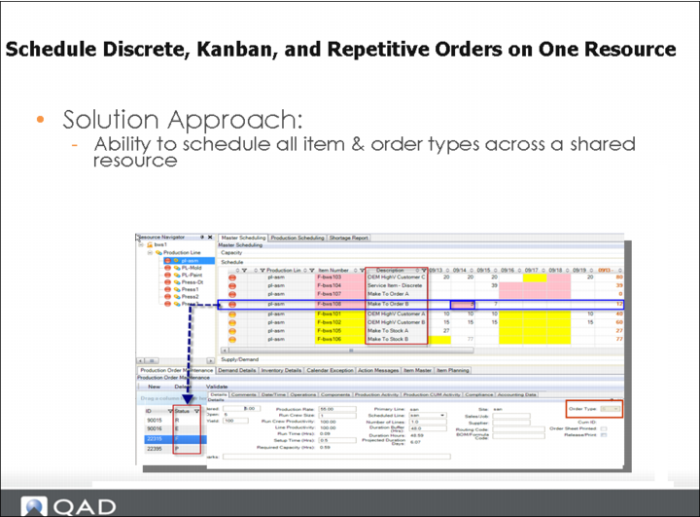
You can view/schedule Kanban production items in the MSW.
You can view kanban production items when you view the item on a work center/machine resource and when the kanban item has a routing defined.
Solution Approach
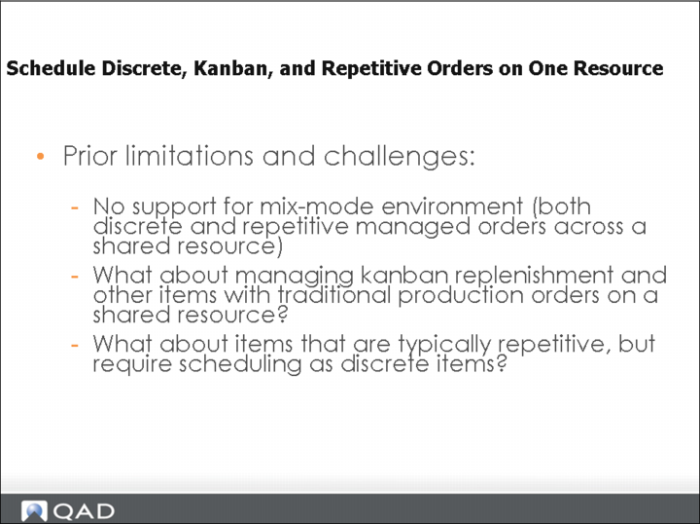
Most companies required the ability to do true mix-mode scheduling of discrete, kanban, or repetitive orders on a single resource (work center/production line).
Within QAD EE, you can change the production order type of a production order that is scheduled on a production line. The purpose of this is so that a company can choose which method of production and cost tracking they wish to apply to a production order. For example, when the order type is repetitive, production is tracked against a CUM production order, and when the order type is discrete, production is tracked against the production order itself.
Track Performance To Schedule Section
Track Performance To Schedule
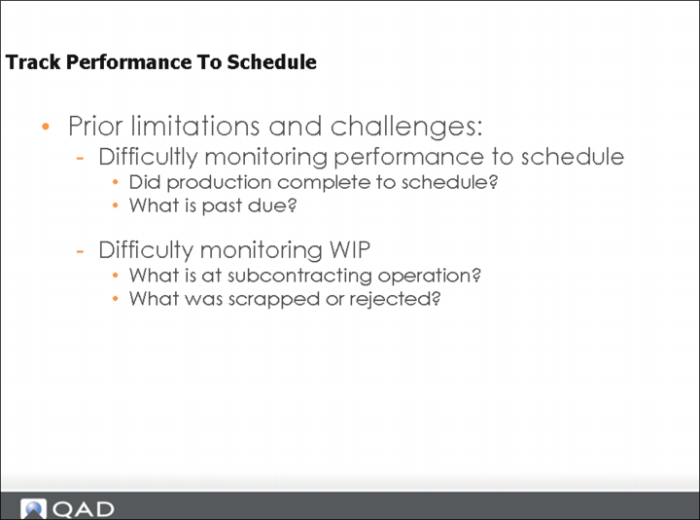
Schedulers require visibility to those resources that have items scheduled that are past due. As a scheduler, when you arrive at work, production may be running behind on prior shifts. The system calculates the net past due quantity remaining for an item. The system displays visual indicators that show one or more items on the resource are past due.
Also, the system retrieves all open past due supply and demand records within the MSW.
Track Performance to Schedule: Solution Approach
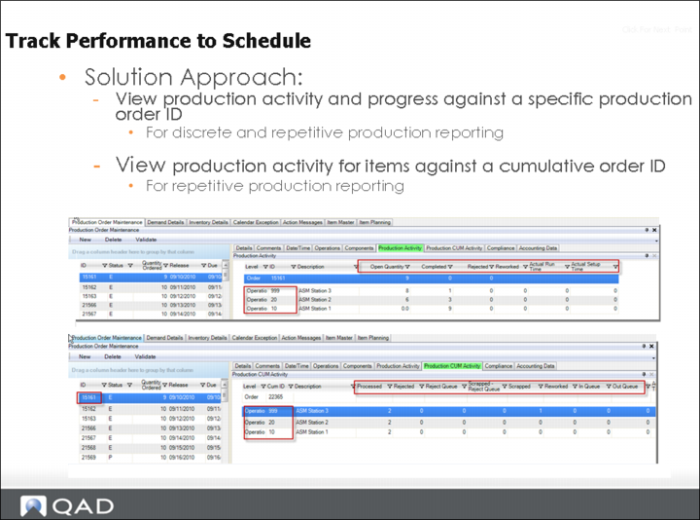
To determine progress against the schedule, as a scheduler, you may want to view the current production activity of the item. How much has been produced against the schedule or how much remains to be produced?
You can view projected calculations, such as projected on hand, available to promise, on hand, and more.
As a scheduler, you may also need to be directed to where inventory falls below safety stock thresholds or where negative projected on hand exists within their planning window. The MSW displays this using color indicators.
To prioritize orders and determine if an order should be firmed or released to the shop floor, in many cases, you may need to refer to the specific customer to review the demand for the item. In another case, the user may wish to see which order ID is driving the demand so that they can trace up to the root source of demand. In the MSW, schedulers can see demand details. Also, there is clear visibility for seasonal demand, safety stock demand, and forecast demand.
Can drill down and the system locates the cum order for you, as shown in the slide above.