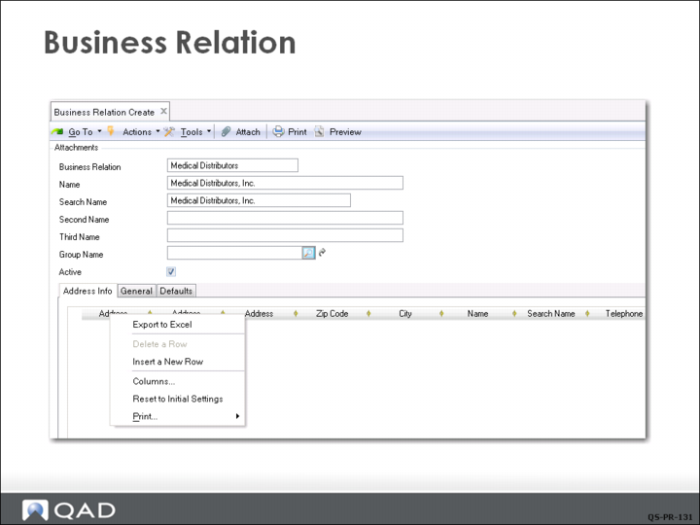
Business Relation Create
Before a supplier can be created, a business relation must exist. Every supplier references a business relation for address details. QMI’s Finance Department uses the Business Relation activities (36.1.4.3) to create, view, modify, and delete business relation records. You can also use the Excel Integration option to export records to or load records from an Excel spreadsheet.
Business relations can be saved in draft format when Draft Instances is selected in System/User Settings, Change System Setting. When you save a record in draft format, none of the system validations are executed. You can then return later to complete the record by choosing the Business Relation Browse Drafts activity (36.1.4.3.6) and selecting the record you want to finish from the list.