Receive Serialized Items
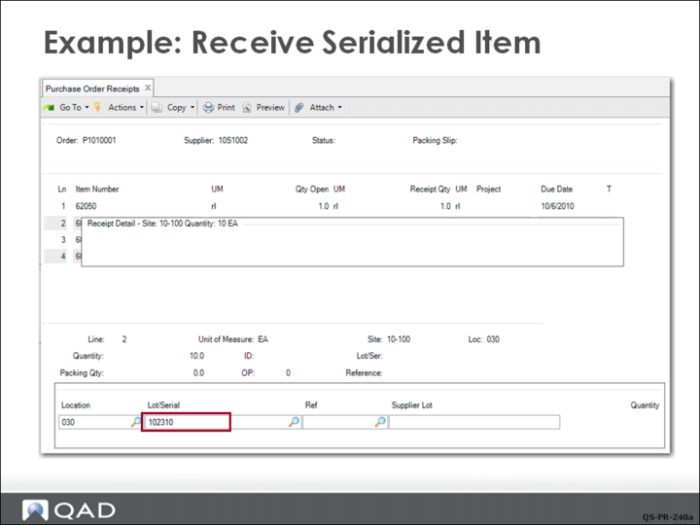
The system displays a frame for the Receiving Clerk to enter the serial numbers. In this case the supplier has shipped 10 items that are in serial number order. The clerk enters the first number, clicks Next, and then enters a quantity of 10 (the number previously ordered on line 2 of the PO).
The system displays a prompt requesting confirmation for creating the serial numbers, and then displays the inventory detail in the middle frame.
When complete, the clerk clicks Back to continue the receipt.