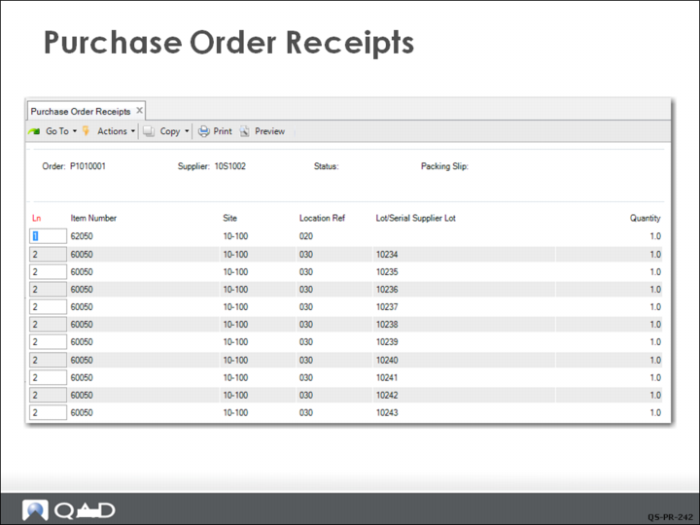
Purchase Order Receipts
Clicking Yes brings up a frame showing the transactions the system is about to complete. In this case, the clerk must click Next to see all items since each of the serial-controlled items displays on its own line. Clicking Next displays another prompt requesting confirmation for the transaction.
Clicking Yes to the second prompt completes the transaction, which closes the line items on the PO. Since this PO has no other lines, the PO status is also set to closed.
Inventory transactions are posted to the inventory accounts and the inventory detail records are updated. The Supplier Accounts Payable accounts are updated and AP is now ready to voucher the invoice when it arrives and complete its three-way matching. The invoice quantity and price must match the purchase order quantity and price and the receipt quantity before payment can be made.