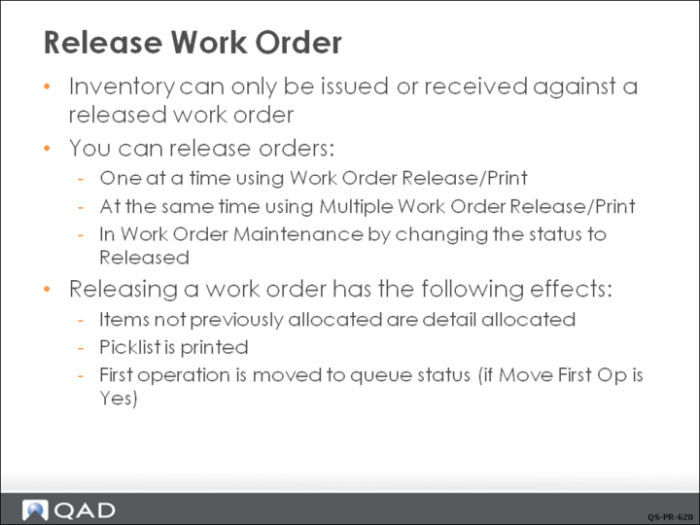
Release Work Order
Creating Picklists
After you release a work order, you can print its picklist. The picklist lists the component requirements and the sites, locations, lot/serial numbers, and reference numbers for the items to be issued. The system creates detail allocations when an order is released, regardless of whether or not you print a picklist. Detail allocations reserve specific quantities in inventory for a work order.
Printing the Routing Sheet
At the time of release you can also print the routing for the work order, which is the detailed list of operations and work centers the work order must be processed through. The combination of the work order, the picklist, and the routing sheet is often referred to as the shop or job packet.
You can release an order without printing a picklist and routing, but you cannot print a picklist for an order without releasing it.