Review MRP Action Messages
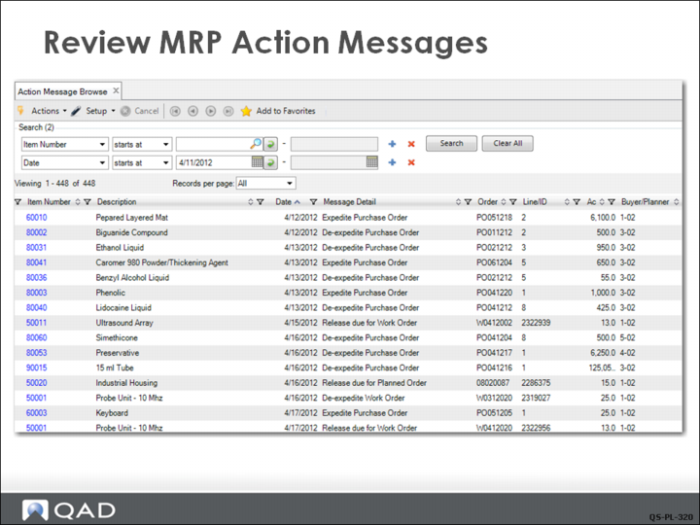
The QMI planner reviews the Action Message Browse (23.6), shown here. It is important to review action messages first as the MRP planned orders only make sense if the actions required by the messages are actually implemented.
The recommended order in which to read this report is:
• Check the action message.
• Check the date column. This is the date associated with the action message.
• Check whether the item is a manufactured or purchased item. This indicates whether you need to approve a planned order as a work order or purchase requisition.
• Check the due date.
In this example, there are a number of messages about expediting and de-expediting orders. These messages indicate that orders are due either after the are needed—and should be expedited—or before they are needed—and should be de-expedited by changing the due date.
For some orders, a “Release due” message displays, indicating that these orders should be approved.