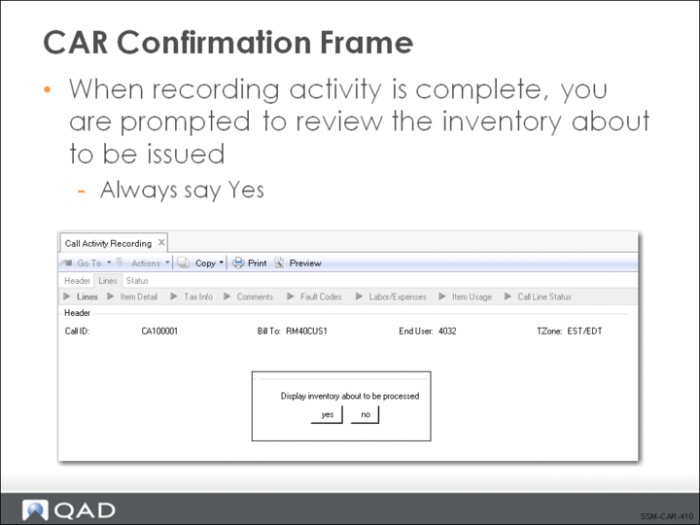
CAR Confirmation Frame
Inventory processing in CAR is similar to a backflush operation. The service activity has already taken place; now you are entering information about labor already performed and items and expenses already consumed. Therefore, the system assumes you want to issue the inventory immediately, once it has been recorded.
When you exit the usage frames, you can optionally view a confirmation frame, listing the items to be issued and returned. It is recommended that you always review the summary information to ensure that the correct parts have been entered and the inventory sites and locations are correct.
If the information does not appear correct, respond with No to the prompt. In this case, you are returned to the Item Selection frame so that you can proceed through the detailed usage frames again and make any needed adjustments.
If you accept the information, the next frame prompts you for an output device.