Transferring RTS Items
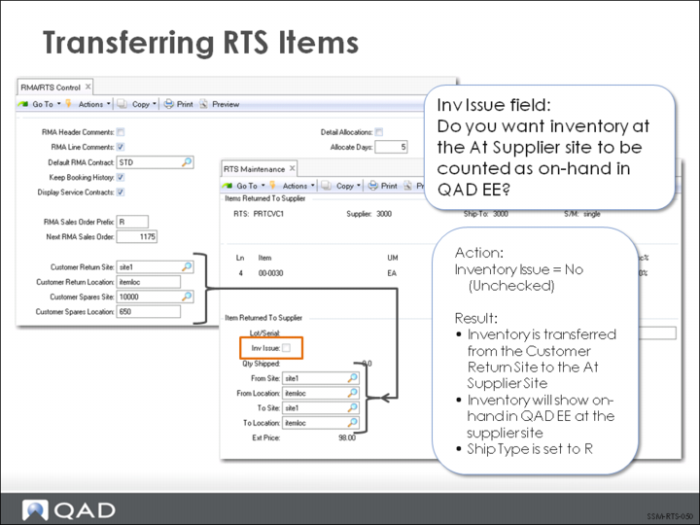
If you want to track RTS items as inventory, you must set Inventory Issue to No in RTS Maintenance. When inventory issue is set to No, the RTS is automatically created with a type of R. When Inventory Issue is set to No, the destination site defaults to the At Supplier Site. That is, the inventory is transferred from the customer return site to the At Supplier Site and shows up in inventory inquiries and reports as on-hand at the supplier site. The following table shows the inventory transactions generated when Inventory Issue is set to No.
Transaction | Description | Debit Account | Credit Account |
ISS-TR | Ship from site | Goods in transit | Inventory |
RCT-TR | At supplier site | Inventory | Goods in transit |