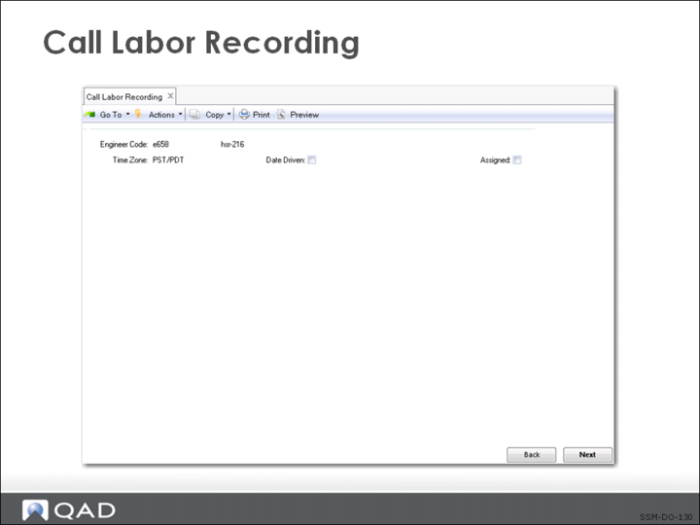
Call Labor Recording
Use Call Labor Recording (11.1.1.17) to record any repair/service call activity. An engineer records labor after evaluating a returned item, and then again when repairs to the item are complete. Labor activity can be recorded by call/call line or effective date.
Labor activity for existing records can be modified as long as the record is not closed. You can modify duration, start time, and end time, but cannot change the date of an existing labor activity record. If the call labor record is associated with a call report that has already been invoiced, but the invoice has not yet been posted and printed, the system issues a warning that the invoice has been generated, and prompts whether you want to continue to edit the call record. Responding Yes causes the Ready to Invoice field to be set to No in Call Invoice Recording (11.1.1.15).
Call Labor Recording does not support recording activity for service items. To record activity for service items, Call Activity Recording (11.1.1.13) should be used.
Call Labor Recording is available from the Labor Browse in the Depot Order collection and from the application menu. Use the Call Labor Browse (11.1.1.18) to view existing call labor activity records.
If a repair routing is associated with the call/visit and if Date Driven is No, the system asks if the routing should be exploded. Responding Yes explodes the routing, and the standard operation values and duration times are populated from the routing values; these values can be updated if required. Responding No causes the routing not to explode. If a BOM is associated with the routing, the system issues a message that the BOM will not be exploded in call labor recording (but will continue to be done so in call activity recording).