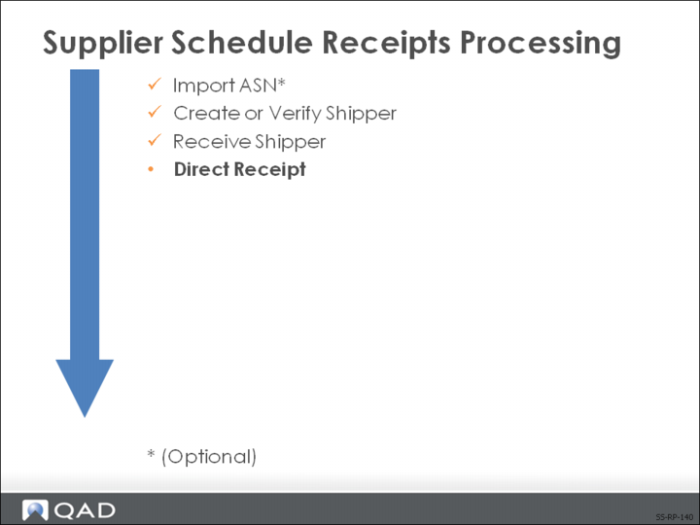
Direct Receipt
If you are not receiving ASNs or reading bar code labels and exploding containerized shipments, you can use the receiving function in the Purchase Order module. Cumulative quantities are updated, so there is no loss of functionality.
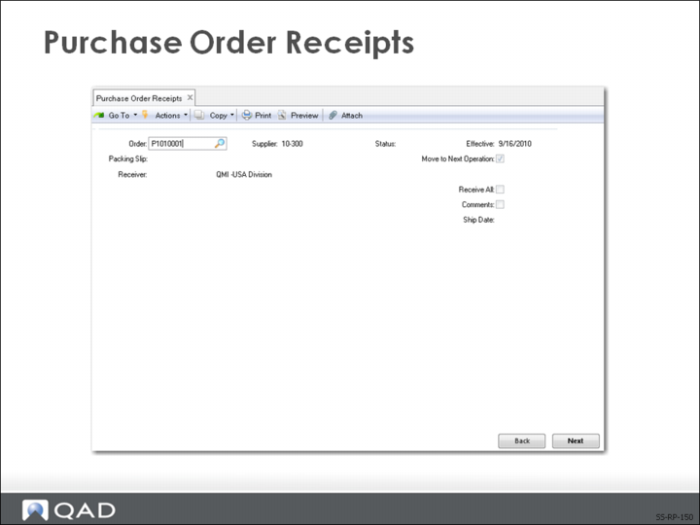
Purchase Order Receipts
Use Purchase Order Receipts (5.13.1) to enter the receipt of your shipment directly into inventory.
Header Frame
In this frame you identify the schedule order shipment being received.
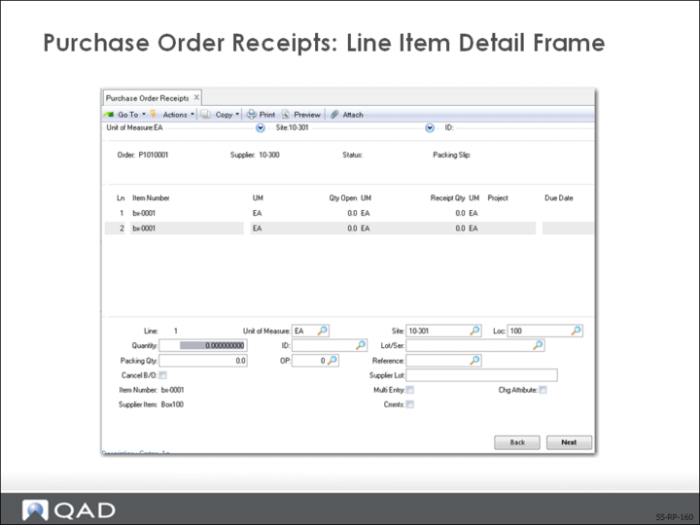
Line Item Detail Frame
The top frame displays the line items and quantities open on the scheduled order. In the lower frame you enter specific line item detail.
• You can receive against open line items only. These open line items have a nonzero quantity open (Qty Open) and a blank line-item status (Status).
• You cannot receive against line items that are closed or cancelled (Status C or X)
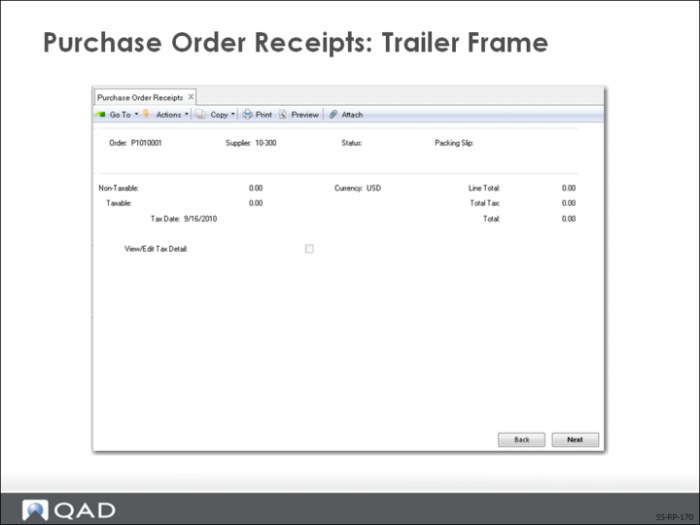
Trailer Frame
The last frame displays tax and pricing information along with the currency used on the scheduled order: (Display only)