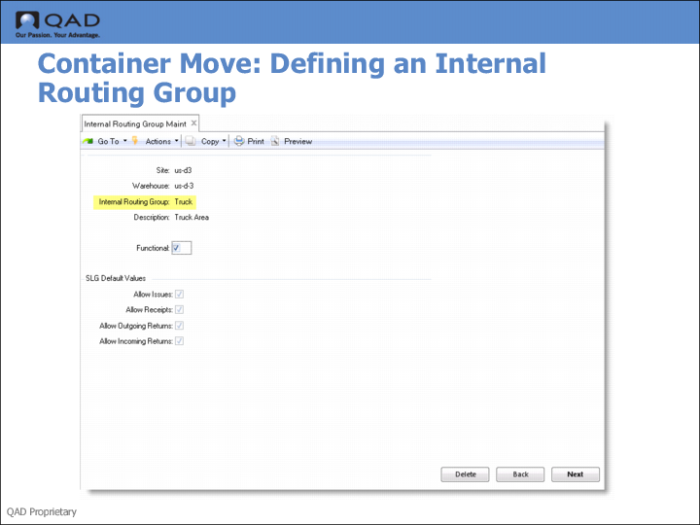
Defining an IRG for Truck Load
You must define an internal routing group (IRG) for all truck locations in Internal Routing Group Maintenance (4.2.1). To do this:
• Specify the truck as the Internal Routing Group.
• Set Functional to Yes.
• Optionally, set additional fields or accept the defaults.
If you optionally define a stage location instead of a truck location, you must define the IRG for the stage location, not the truck location. By defining an IRG for a stage location rather than a truck location, you let staff perform the following movements:
• From the shipping lane to the stage area
• Between locations in the stage area
• Between the stage area and the truck location
• Between a truck and the stage area (that is, return to a stage area from the truck location)
Staff cannot return to the stock area or any other IRG from the stage area.