Exercise - Receive Items
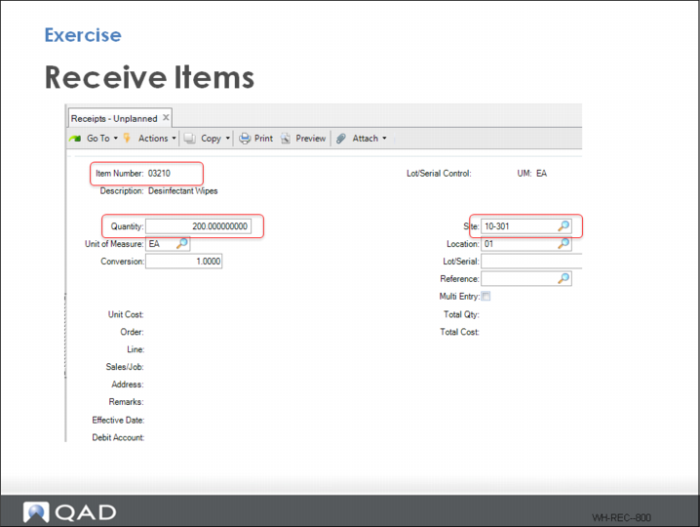
1 Use Receipts-Unplanned to receive: 200 EA, item 03210
• What loads are created? (view Inventory Detail Inquiry to find out).
• What is the LPN (reference) prefix?_________________________
• (It should match what you setup in session 1)
• Are put-away tasks automatically generated? ____________.
For screen navigation hints, refer to
Exercise - Receive - Navigate in this chapter.
2 Use Movement Confirmation Workbench to complete all moves. Alternatively you can perform all move tasks in the RF if you are logged into Putty as UserB.
3 Use Receipts-Unplanned to receive: 200 EA, item 03120 and 03121
• What loads are created and which locations are selected for item put-away? (view Inventory Detail Inquiry)
If the put-away rules are configured correctly, each item with 200 each or two pallets are in a different location pallet storage location.
4 Use Movement Confirmation Workbench to complete all moves.
• Use Location Full% Report to check the warehouse 02 space utilization. Relative Full% = 18.75, Absolute Full% = 37.50.