Exercise 1: Review Accounting Records
4 Review Domain/Account Control (36.9.24). You should be in Entity 10USACO. If not check the workspace you are in; it should be 10USA USA Division [USD]. The currency code in brackets is the currency for this entity. Use the Next button to cycle through all the screens to ensure that all account fields have a value in them. Not all sub-account or cost center fields will have values. You can uncheck the Verify GL Accounts selection.
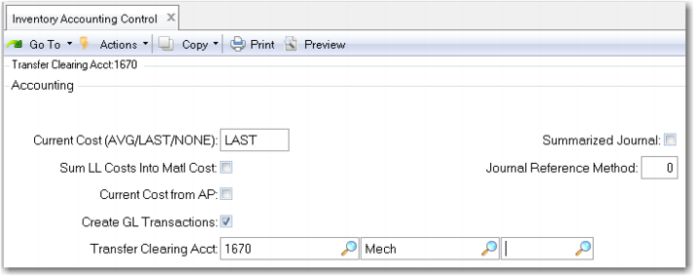
5 Review the Inventory Accounting Control (36.9.2). (In QAD SE this is in the Inventory Control (3.24) Set the Current Cost field to LAST. This allows the system to update current costs automatically based on the last purchase cost or work order cost and insures the system will generate variances when these costs differ from the GL or Standard cost. The use of average costing is covered in another course.
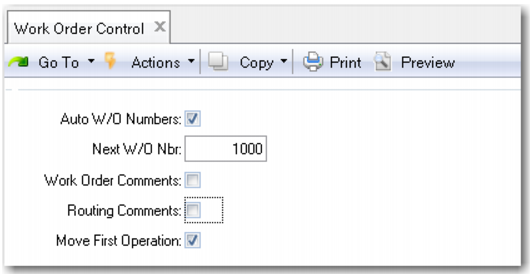
6 Review Work Order Control (16.24) and uncheck work order and routing comments. Check Move First operation; this will automatically move a released work order to the first operation.
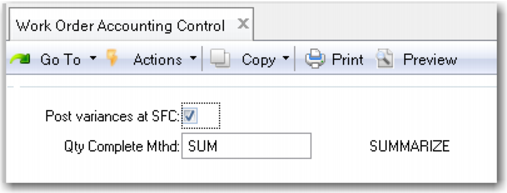
7 Review Work Order Accounting Control (36.9.11) and verify that the Post Variances at SFC (Shop Floor Control) is checked (Yes). This will post variances (if any) at the time shop floor transactions are done. If unchecked, variances are not posted until Work Order Accounting Close.