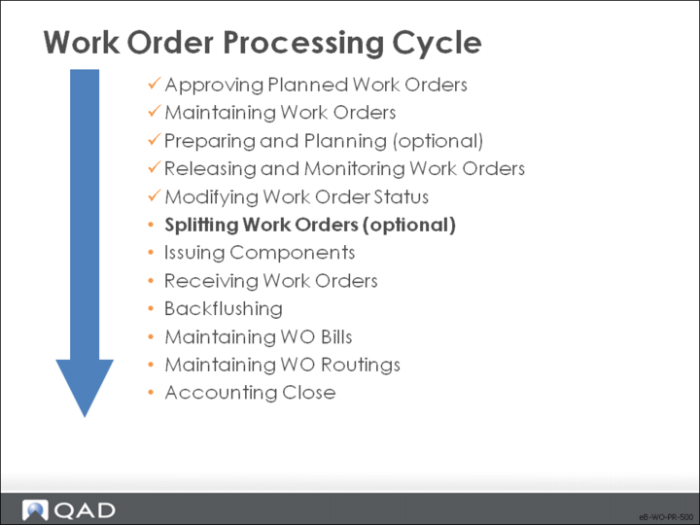
Splitting Work Orders
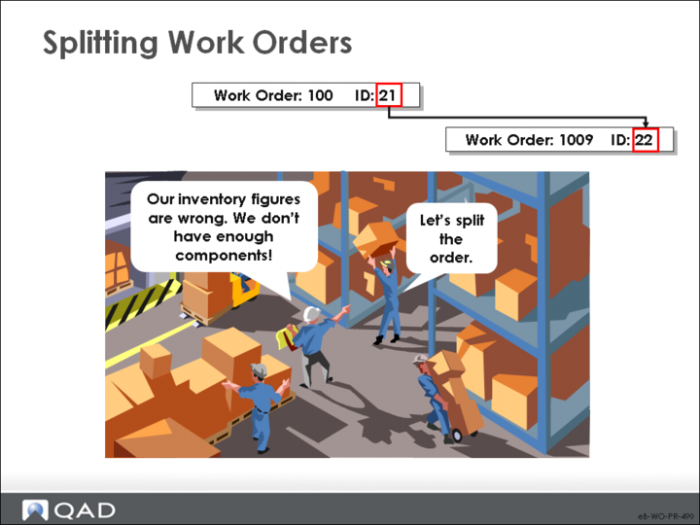
When your inventories are low, or machinery goes down, you can split work orders to complete partial shipments.
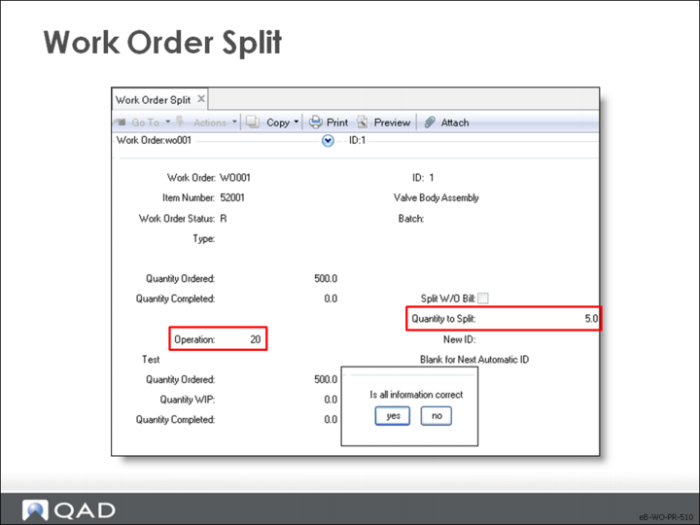
Work Order Split
Even if you check for potential shortages before releasing an order, quality problems and inaccurate inventory balances can result in a shortage of components. You can monitor these shortages through Work Order Bill Shortage Report and Work Order Bill Shortage by Item. If necessary, use Work Order Split to move part of a work order through the remaining operations while the rest waits for components. You can split open operations between the original and the new work order.
• Work Order Split results in two work orders with the same work order number but different IDs. Each ID can have its own bill and routing
• A picklist and route sheet can be printed
• A bill is created for the split only if no components had been issued to the original order
• A work order routing for the new ID starts from the operation where the split took place; completed operations and reported costs remain with the original ID
• Because the split orders have the same number, you can review the Work Order Status Report and Work Order Cost Report for the whole work order
• Set password control on this function
Work Order / ID
Enter the work order number and ID
Operation
The operation at which to split this work order
• Any operations before the split remain associated with the original work order only, as does any processing cost already incurred. This operation and all subsequent operations must be performed on each of the work orders
• The split process creates a work order and its associated work order routing. The new routing lists each of those operations and the run time required to manufacture the split off quantity
Split W/O Bill
Specifies whether to divide work order components between the new and old work orders
• Yes: The work order components are split based on the order quantity. For example, if a work order is split in half, then its components are split in half
• The work order bill cannot be split when there is an outstanding picklist. Cancel the picklist (by issuing zero quantities on all components and backordering the full amount) or the change work order status back to Allocated
• Because of the transaction history generated, component items that have already had quantity issued cannot be split
• Any components that are allocated move by default to the new work order
Qty to Split
The quantity split off from the original work order; a new work order is created for the quantity split
New ID
The work order lot ID to use on the new work order. Leave this field blank to let the system assign the next available number
Is all information correct?
Click Yes to continue or No to return to the screen