Printing Shipping Labels
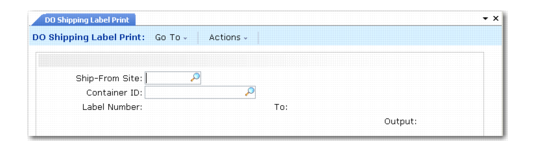
Use DO Shipping Label Print (12.19.17) to create labels for DO shipments. Once you specify the ship-from and container ID, the system automatically fills in the label number, starting at number 1.
You must specify a shipping label template in DO Container/Shipper Control (12.19.24) before you print labels. In the control file, specify either a mixed load, master load, or single load label template. The templates specify the required format for barcode labels that enable shipments to be received with barcode readers.
DO Shipping Label Print (12.19.17)