Creating a Calculation Row
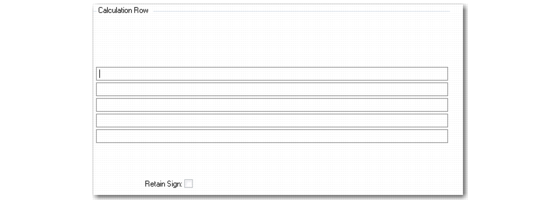
If you enter C for Type on the second screen of Row Group Maintenance, a Calculation Row frame displays.
Row Group Maintenance, Calculation Row
Formula
Enter the formula for the calculation; for example, calculate the sum of rows 10 and 20 with the formula R10 + R20.
Formulas can use only +, -, *, and / as operators.
Retain Sign
Set to Yes to retain value of sign even if Reverse Sign for the row group is Yes in the Print Control frame. For example, credit balances are stored as negative numbers. The reverse sign option is useful to show a credit balance (such as sales) as a positive number on the report.
The Calculation Row frame is followed by the Print Control frame. Print Control sets up the row format.