Using Global Queries
Optionally, you can enter additional data specifications by choosing Yes in the Change Global Query Specs field of Report Maintenance. The specifications you enter combine with those in the row group and, if any, in the column group.
Typically, you would use this feature to enter a GL item that applies to several accounts, such as an entity. For example, you may deliberately leave out the entity in your row and column groups so that they can be applied to a variety of reports. Global queries are also useful to make variations of existing reports.
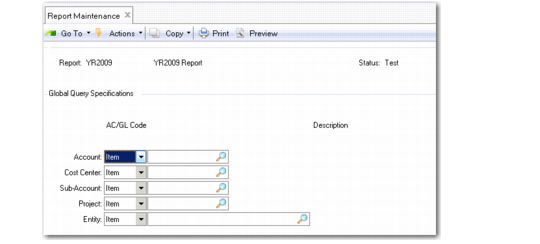
In the Global Query Specifications window (which appears after you accept the first screen), enter GL items or analysis codes—just as with data rows. The system prohibits you from entering specifications for GL types already used in the row group or column group.
Report Maintenance, Global Query Specifications