Update UI Configuration
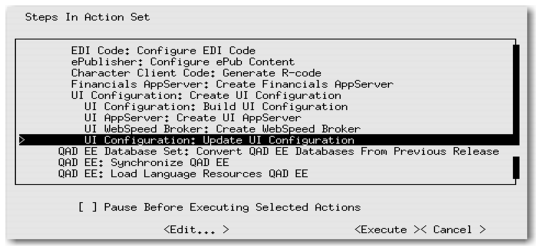
1 Select UI Configuration: Update UI Configuration.
UI Configuration Menu Item
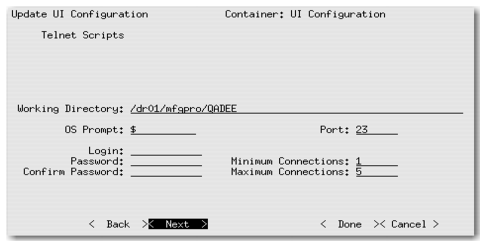
• Working Directory: <defaulted in for your specific environment>
• Login: mfg
• Password: <mfg_user’s_password>
• Confirm Password: <mfg_user’s_password>
Note:
• The MFG login is the O/S login ID and password.
• The password fields do not show key entries.
UI Configuration Screen