Convert QAD Enterprise Edition Database from Previous Version
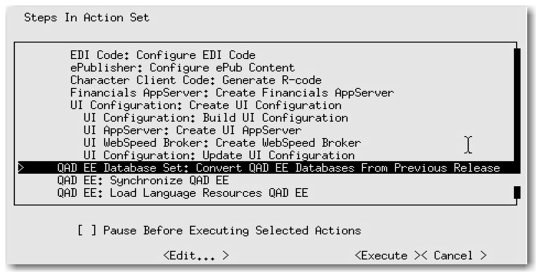
1 Select QAD EE Database Set: Convert QAD EE Databases From Previous Release as shown in
Convert Enterprise Edition and press Enter.
Convert Enterprise Edition
2 Tab to Next on the first screen and press Enter.
3 Select Yes to all create prompts.
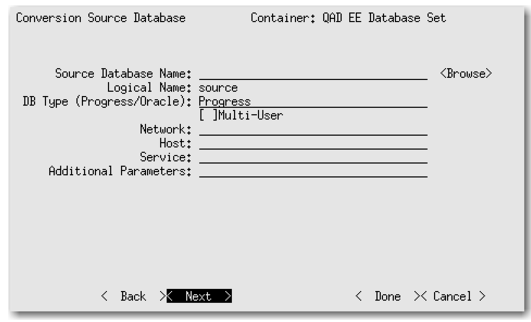
Conversion Source Database Screen
5 Tab to Next and press Enter
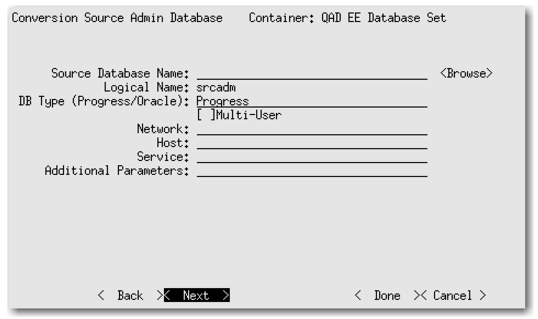
Conversion Source Admin Database Screen
7 Tab to Next and press Enter.