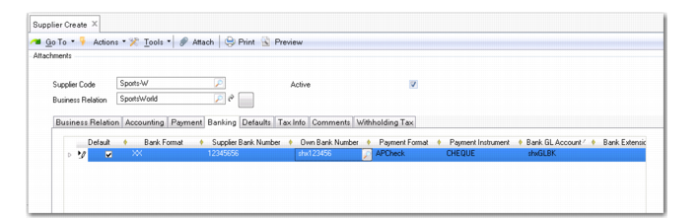
Banking Tab
Use the Banking tab to set up the accounts and payment formats for this supplier. The details you enter here are automatically retrieved for supplier payments and selections.
Supplier Create, Banking Tab
Insert new rows for bank account and payment format details.
This tab is exactly the same as the banking tab for customers. See
Banking Tab.
Note: If you modify a supplier bank number that is already used in invoices and payments, the referenced invoices and payments are updated with the new supplier bank number.