Manual Posting
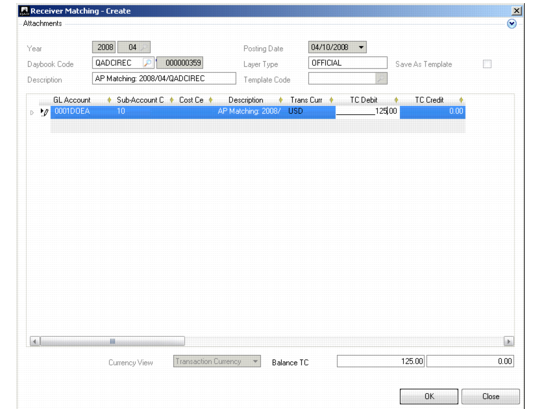
The Manual Posting option lets you balance the total amount on an invoice when the matching process results in an outstanding amount. Use Manual Posting to account for freight or other charges that arise from the purchase of the goods, but are not detailed on the purchase order.
The Manual Posting button is enabled when there is a difference between the To Match and Matching amounts on the matching grid. Click Manual Posting to display the Manual Posting screen where you can add a posting line and specify an account, sub-account, and cost center to which to post the difference.
Receiver Matching, Manual Posting
Update Invoice Amount
Click the Update Invoice Amount button to update the amount of the invoice with the results of the matching. This button is available when the matching results in a difference between receiver and invoice amounts, and for matchings that have been saved in Initial status.
Note: The Update Invoice Amount option is only available for initial invoices.