Export to Excel
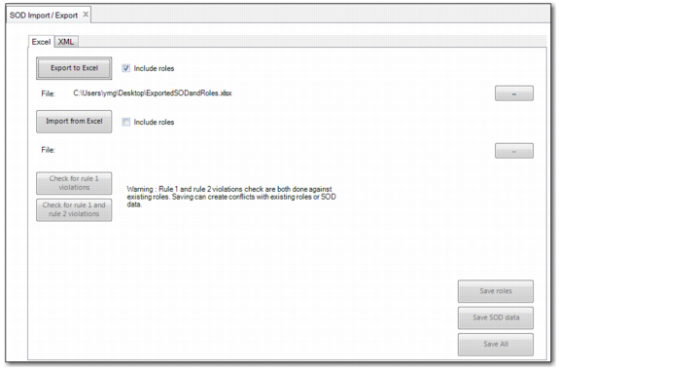
The Export to Excel option in SOD Import/Export (36.3.27.15) creates an Excel file in the format required for reloading data to the system.
When you click the Export to Excel button, the system asks if you want to include data already in the system. If you answer Yes, the Excel sheet created contains all segregation of duties data already in the system.
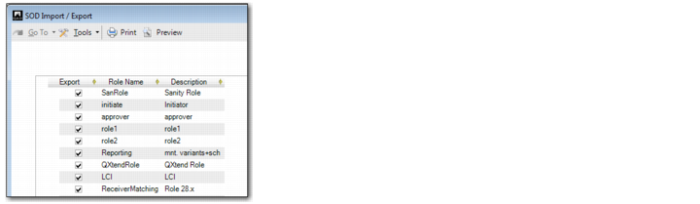
If you select the Include Roles check box, the system displays a dialog that lets you specify the roles for which to export data.
SOD Import/Export, Role Selection
SOD Import/Export (36.3.27.15) displays the name and path of the exported or imported Excel file below the Export to Excel and Import from Excel buttons.
Name and Path of Exported Excel File