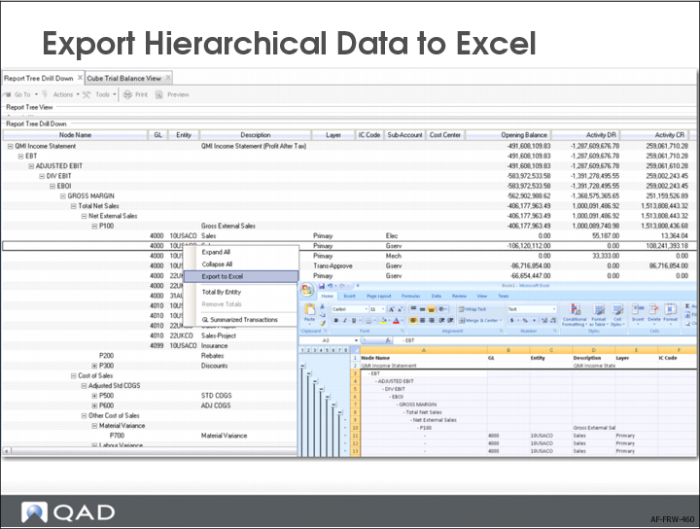
Export Hierarchical Data to Excel
When you select Export to Excel, you export the whole tree to Excel. The tree is exported exactly as you have it displayed in the Report Tree Drill Down. In Excel, you can also conduct further analysis by expanding and collapsing nodes with one click.