Advanced Banking Setup
Objectives
a
Business Case
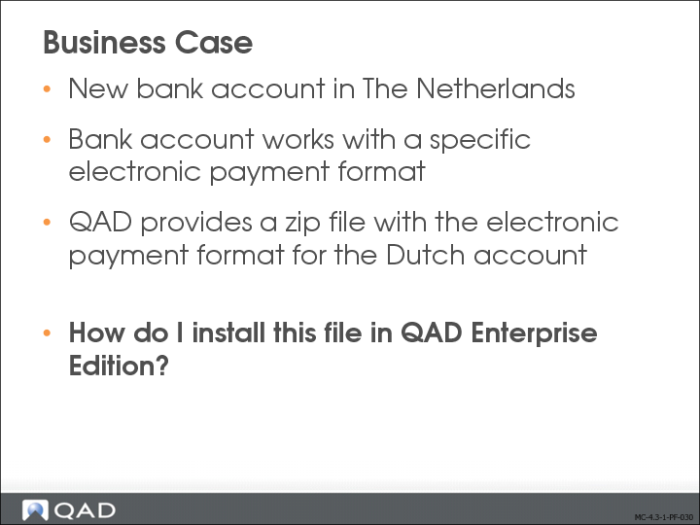
This section describes how to install a preconfigured electronic payment format in QAD Financials.
Payment formats are used in customer and supplier payments to define the layout of the payment output. These codes ensure that each payment from your account is formatted according to the requirements of the receiving customer or supplier bank. Each individual payment contains your own bank account details, the required format, and the correct customer and supplier account information.
Payment formats determine aspects of the payment such as:
• Whether the payment is for AR or AP
• Whether it is domestic, foreign, or both
• Which payment instrument to use, such as check, draft, or electronic transfer
Payment electronic formats are used with paper-based payments, such as checks or drafts, and with electronic payments, such as direct debit or electronic transfer. Formats tend to be common to certain regions. For example, US banks tend to deal with AP and AR checks, while AP electronic transfers and AR direct debits are more commonly used by Northern European banks, and checks, drafts, and transfers by Southern European banks. Payment formats are defined at system level in Financials.
Preconfigured formats are available on the QAD Support Web site for download and can be loaded in the system using standard EDI eCommerce functions. These formats are designed for specific banking systems, and are used to create electronic payment files to be transferred to these banks.
During the EDI load, you specify configuration details, such as the location on the operating system where generated payment files should be placed and the file name extension of the electronic payment file produced using the bank format.
You ensure that supplier and customer payments automatically use the correct format by linking the format to your bank account, and then associating the linked account number to the supplier or customer bank account number. Once the account numbers are linked, the system selects the correct format.
When you create a customer or supplier payment, the customer or supplier default bank is automatically displayed in the payment screen. If you have defined multiple account numbers for a supplier or customer, you can select another account number for the payment, but only if it has been linked to a format.
Manual or paper payments and electronic payments are treated differently in the system, and require different formats.
The system lets you change the default bank account and payment format within a supplier payment selection, provided the status of the selection is Initial, and the bank account and linked format have already been configured.
We will now learn how to install and set up a preconfigured payment format file based on a business case.
A company opens a bank account in The Netherlands. This bank uses a specific electronic file format that I need to use to process payments. QAD provides preconfigured format files. How do I install this file, and set my system up to use it?
Overview
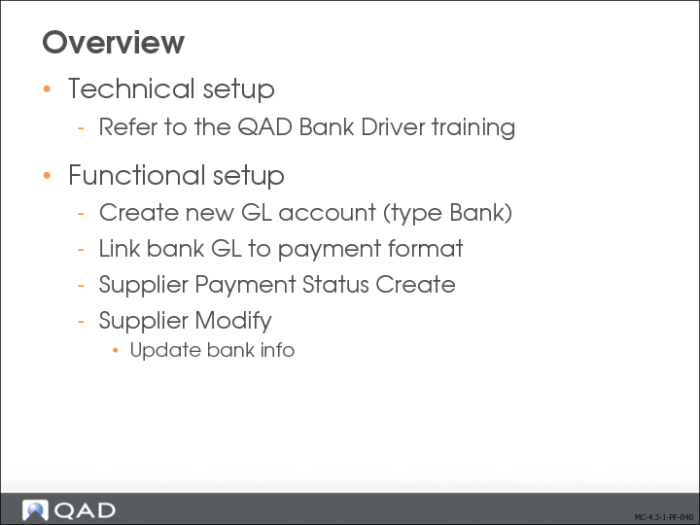
You must define both technical and functional data before you can generate customer and supplier payments.
For information on the bank driver technical setup, please refer to the QAD bank driver training material.
Functional Setup Flow
On the functional side, the following steps are required. The steps are described in detail in the
QAD Financials Fundamentals Training Guide and
QAD Financials User Guide.
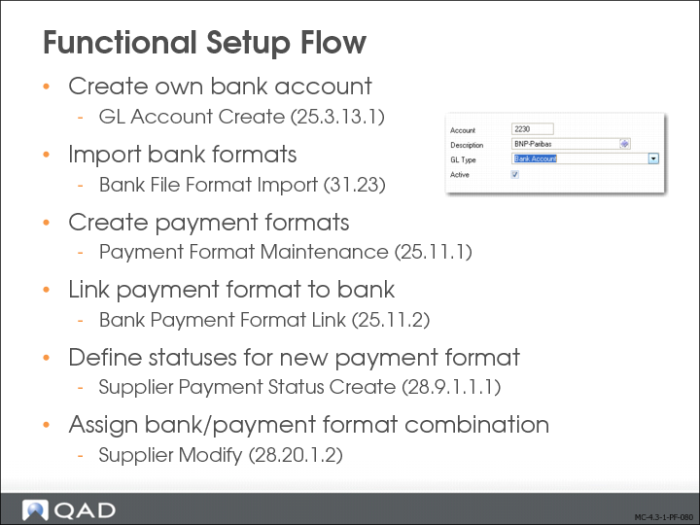
1 Create an own bank account.
2 Create a new payment format.
Optionally, you can load predefined bank payment formats for use in electronic banking. See
Bank File Format Import. Payment formats are stored at system level.
3 Link the payment formats to your entity bank account.
4 Define payment statuses for the new format.
5 Associate your bank account and the correct linked format with the customer and supplier bank account numbers specified on the Banking tab of the Customer or Supplier function.
Bank File Format Import
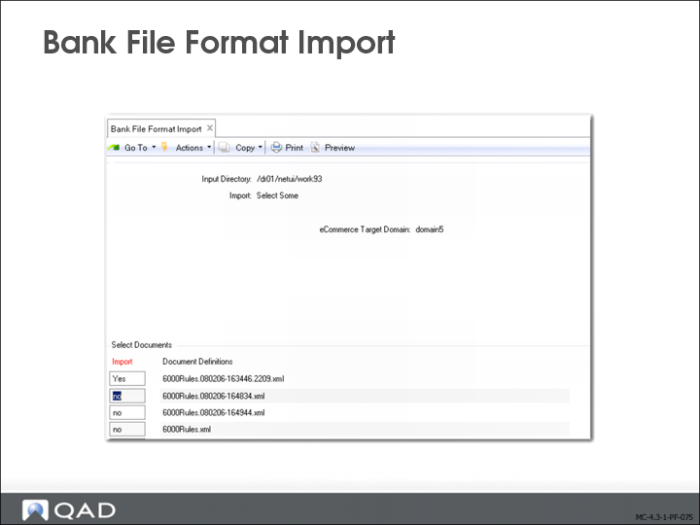
Use Bank File Format Import to import predefined bank format XML files for use with electronic bank payments. Each imported format file is specific to an individual bank and contains the payment information and attributes required for that bank. Once the file is imported, a payment format with the same name is displayed in Payment Format Maintenance. You can then link this format to the bank account you intend to use for electronic payments.
The format definition files are usually delivered by the bank in zipped XML format. You unzip the files to a server directory and then load the files into the system using the Import function.
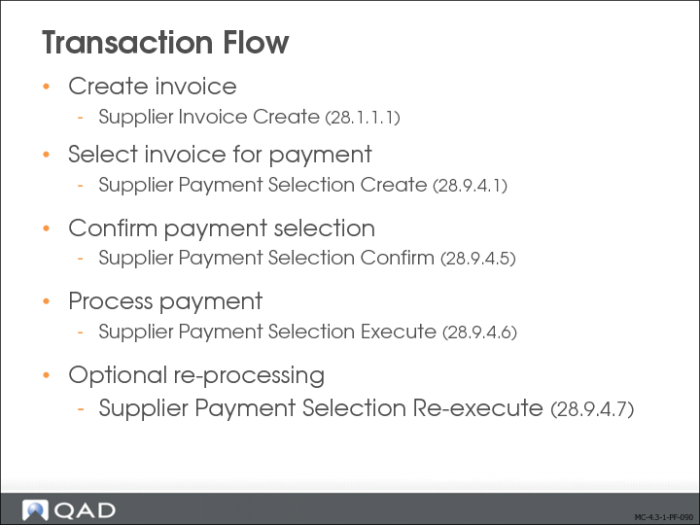
Transaction Flow
When the setup is complete, you can create invoices using the payment information, combine the formats in payment selections, and run the selections to generate payment files. These activities are described in
QAD Financials User Guide, and are described in the
QAD Financials Fundamentals Training Guide also.
You can specify a different account number for the same bank, or a different account number and bank account. The new account number, account, and payment instrument combination must be already defined in Bank Payment Format Link and must be defined for the same entity as the original combination.
You must also have defined a payment status that uses the new bank account, payment account, and payment instrument.