QAD 2016 Enterprise Edition Training Guides
>
Financials-Advanced
>
Consolidation
>
Eliminating Intercompany Transactions from the Consolidation Entity
Eliminating Intercompany Transactions from the Consolidation Entity
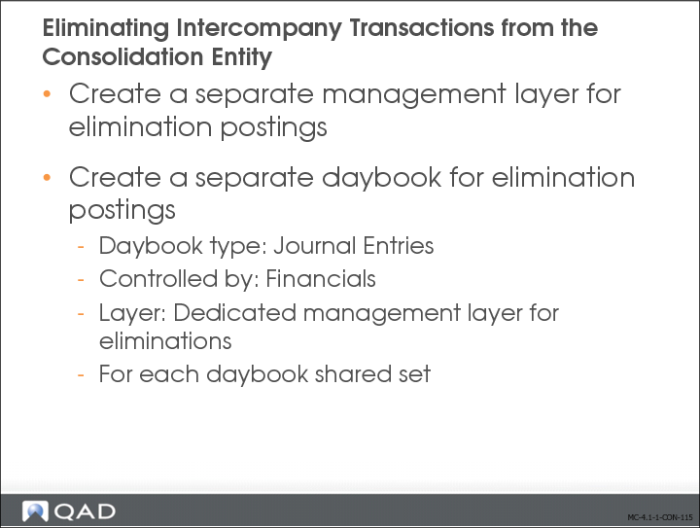
The slide describes the setup required before you can eliminate intercompany postings from your consolidation.
1 Create a separate management layer in the consolidation entity for elimination postings.
2 Create a separate daybook for elimination postings in each consolidation entity. If you are consolidating at several levels, it is recommended that you create a daybook for each shared set.
a Set the daybook type to Journal Entries and the control type to Financials.
b In the Layer Code field, specify the dedicated management layer that you created for intercompany eliminations.
Consolidation Process
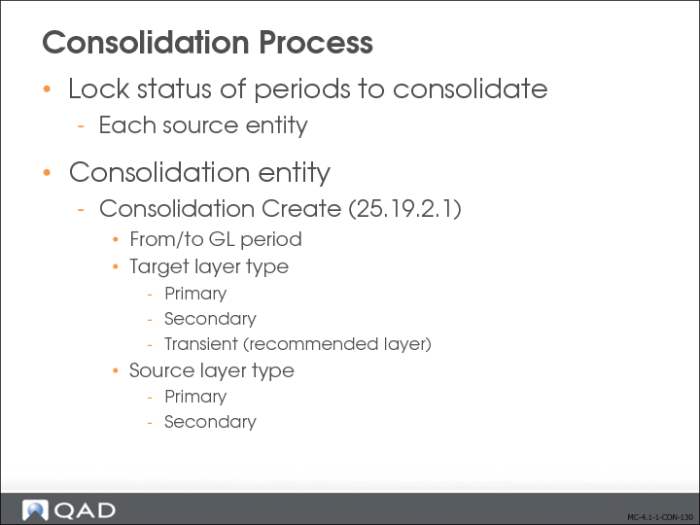
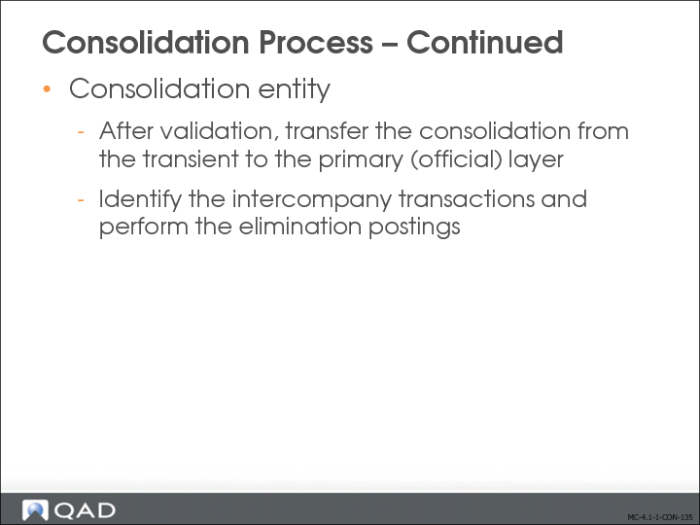
You run the consolidation cycle you have defined using Consolidation Create (25.19.2.1) within the consolidation entity. You can run the consolidation for primary or secondary layer transactions, but not simultaneously. It is recommended that you first run a consolidation posting to the transient layer, before posting it to the actual target layer.
Before creating a consolidation, you must ensure that:
• The GL periods in the source entities are locked.
• No unposted transactions exist in the source entities.
• You have mapped all new source accounts and sub-accounts.
You select source and target layers when configuring the consolidation. You can only select the primary or secondary layers for source entities. When you select a secondary source layer, the system retrieves all the secondary layers created in the source entity. For example, if you have created secondary layers for different types of IFRS or GAAP reporting, the system retrieves all of these layers and displays them on the Source Layers tab. You then choose which layers to include.
When the consolidation is completed, you can review the GL postings and generate reports.
As a result of the consolidation run:
• The daybooks in the consolidation entity are updated with the GL transactions in the source transaction currency and in the target base or consolidation currency.
• The system locks the entity, period, and layer combination in order to avoid another run. If you are running the consolidation in the transient layer, you have the option to review the postings, and to delete this consolidation and create a new one, if necessary. Consolidations in the primary layer cannot be deleted.
• The system keeps a history of all consolidation runs with the following attributes:
• Consolidation run number
• Date and time of the run
• Source entities
• Periods
• Layer type
Use the Consolidation activities to create, delete, and view consolidations:
• Create. Configure and run a new consolidation. You run the consolidation by clicking Save.
• View. Display all consolidation runs with all fields in read-only mode.
• Delete. Delete a consolidation run. You can only delete consolidations in the transient layer.