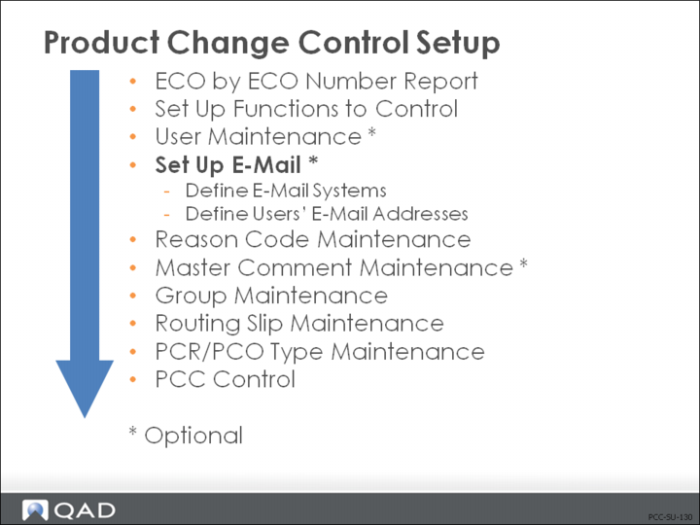
Set Up E-Mail
• Various reports in PCC can be routed via e-mail
• Very effective for PCC notification
• E-mail information is very system/implementation specific
• There are no default values for e-mail Definition Maintenance (36.4.20)
After setting up all available e-mail systems, return to the User Maintenance to assign e-mail addresses.
User Maintenance (36.3.1)
• Return to the User Maintenance screens to assign e-mail addresses
• Full addresses are required, including the workspace name
Note: Because e-mail systems are unique and must have exact information supplied in setup, there is no corresponding exercise for this procedure.
Reason Codes Maintenance (36.2.17)
• Severity codes are assigned as reason codes
• If rerouting is enabled, severity codes must be numerical and hierarchical
• Rerouting logic looks for greater than or equal to numeric values
• Use numerical and hierarchal codes if you want to enable rerouting logic
• Assign the type
• Description field prints on displays and reports